Latest posts
Apple Pencil Pro vs Standard vs USB-C: Which is best for PDF editing?
Nov 5, 2026
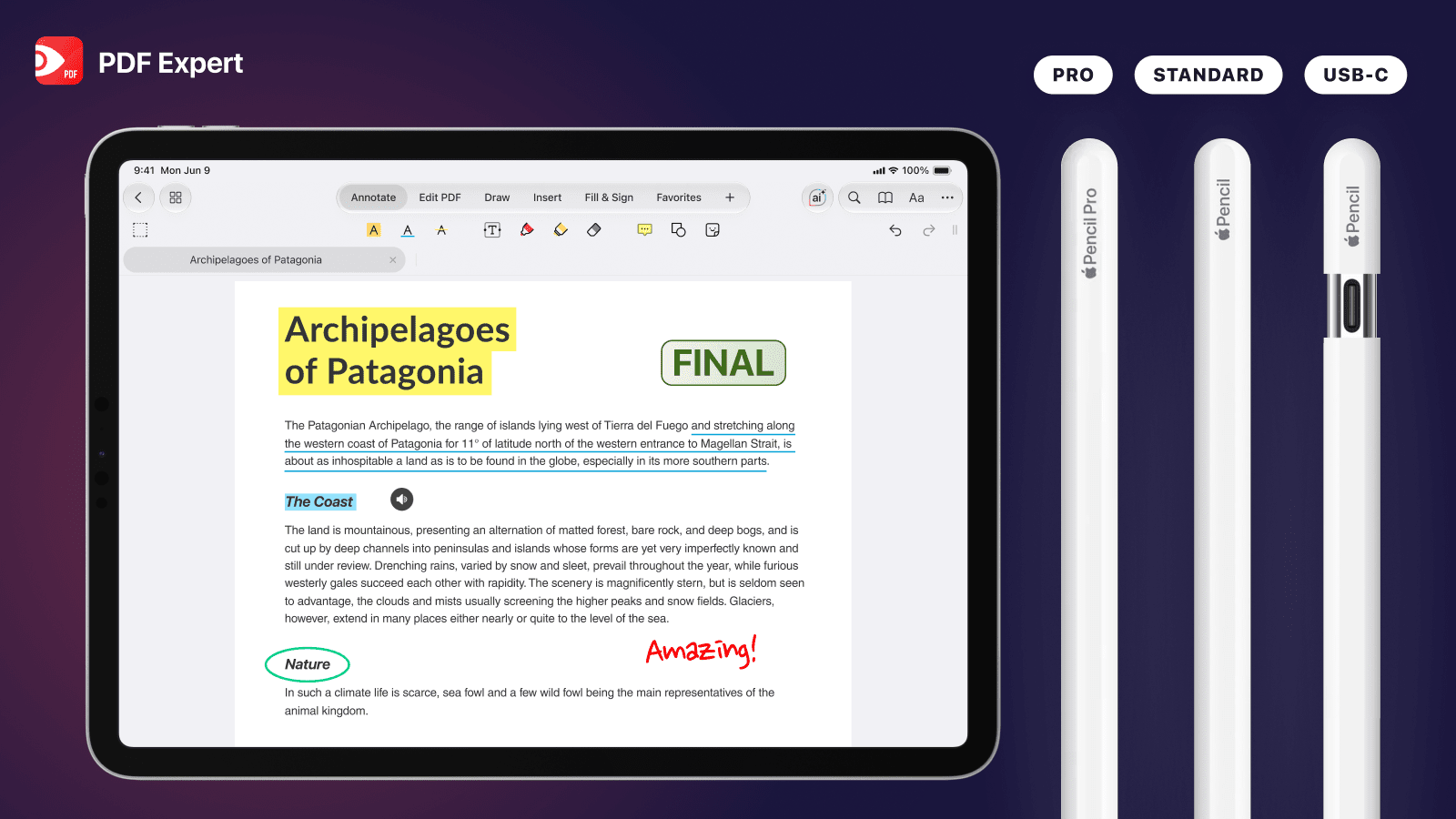
Which Apple Pencil is right for you? Compare Pro, 2nd gen, and USB-C in terms of price, features, and iPad compatibility, plus how each works with PDF Expert.
Learn more
PDF Expert joins the fold: ready for iPhone Duo from day one
Oct 22, 2026
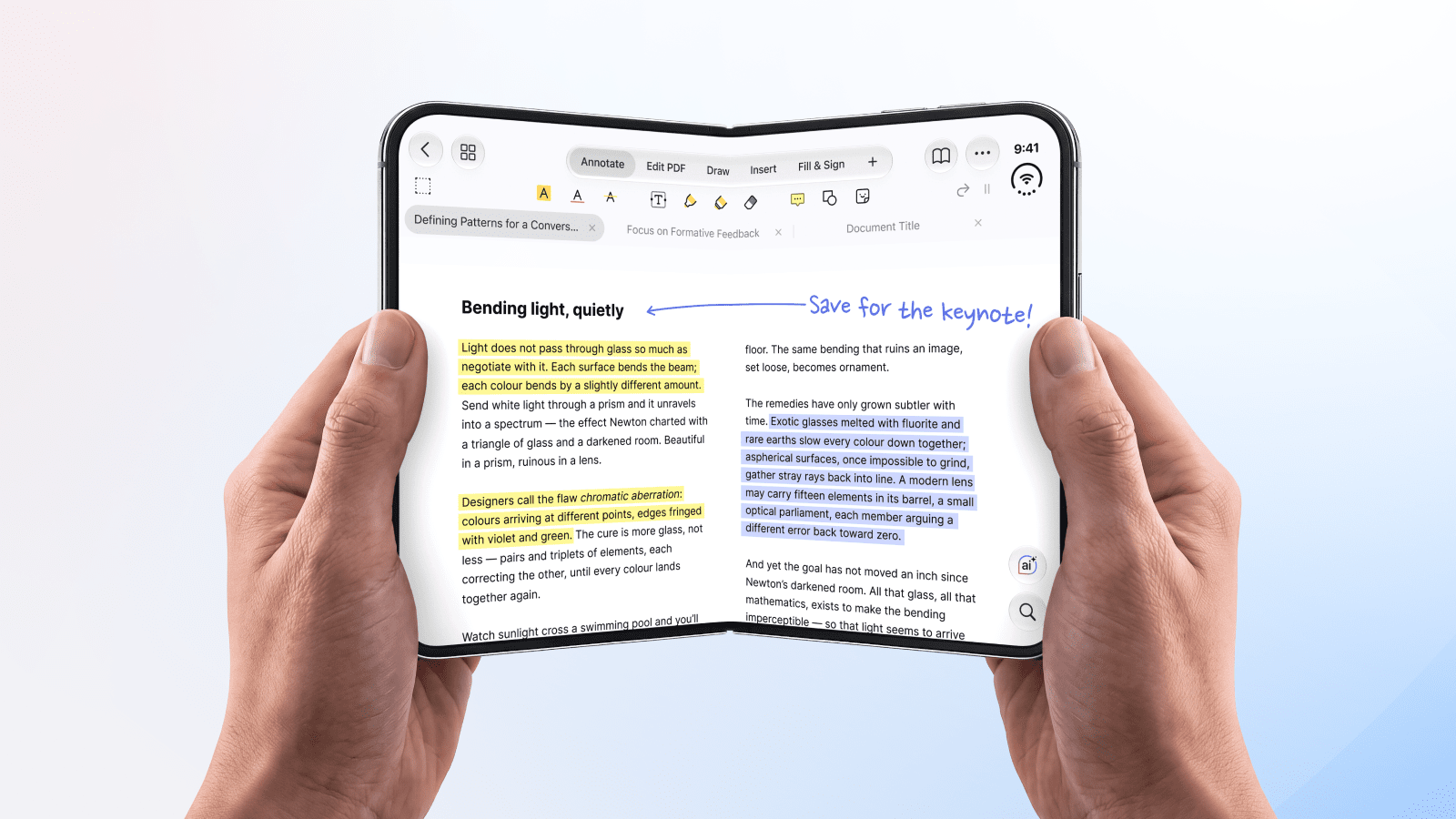
iPhone Duo is here, and so is PDF Expert. Our app supports iPhone Duo from day one, so you can read, annotate, edit, and sign PDFs on Apple's new foldable phone as soon as you unbox it.
Learn more
How to take notes on iPad
Oct 5, 2026
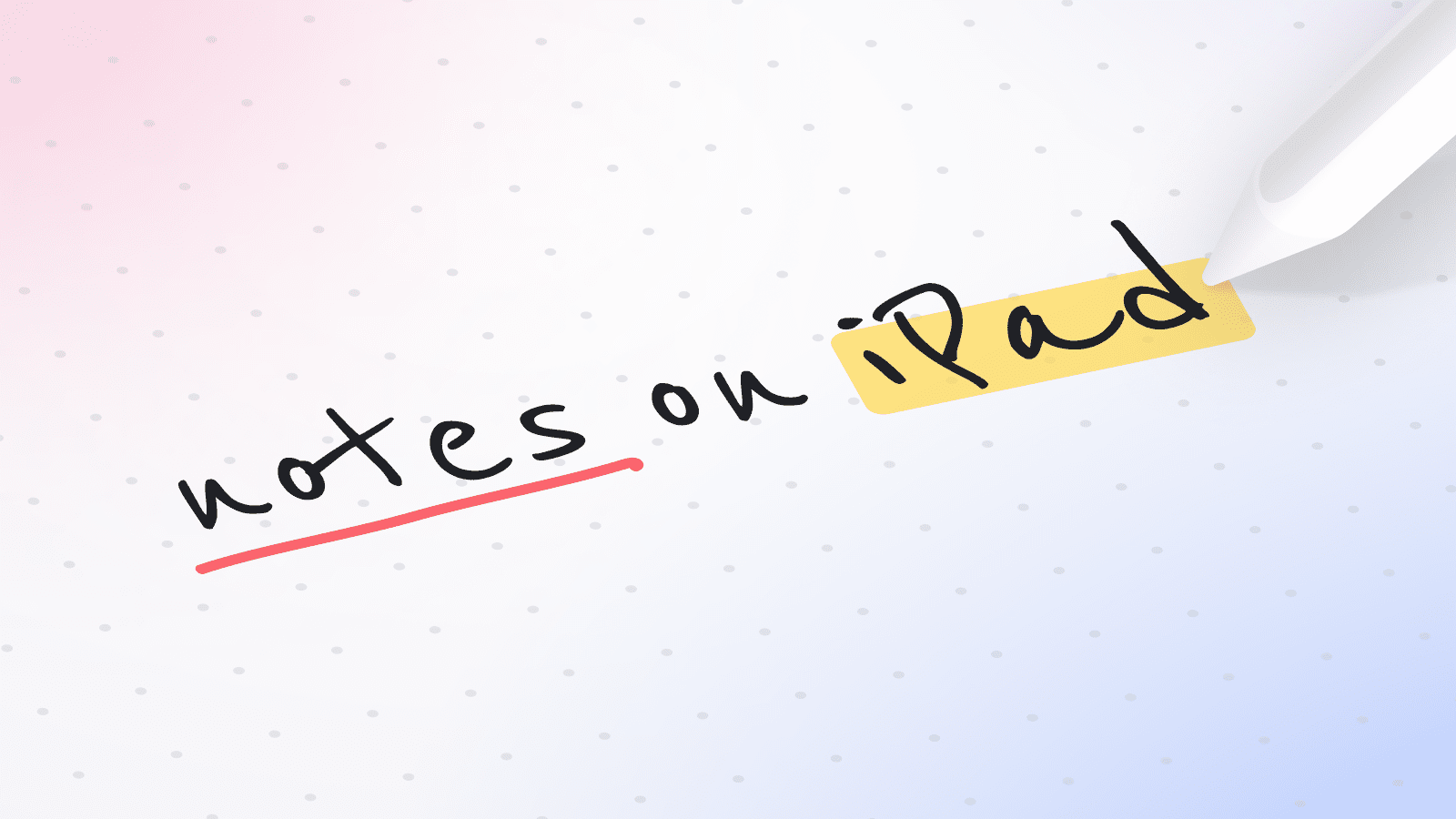
PDF Expert is a powerful PDF editor, but it’s also a great app to take notes on a PDF on an iPad. There are many things you can do: From drafting a digital notebook to capturing your impressions while reading a textbook. Learn how to use PDF Expert as a note-taking app.
Learn more
Meet PDF Expert Business Manager: PDF tools for teams, without the sales process
Sep 22, 2026
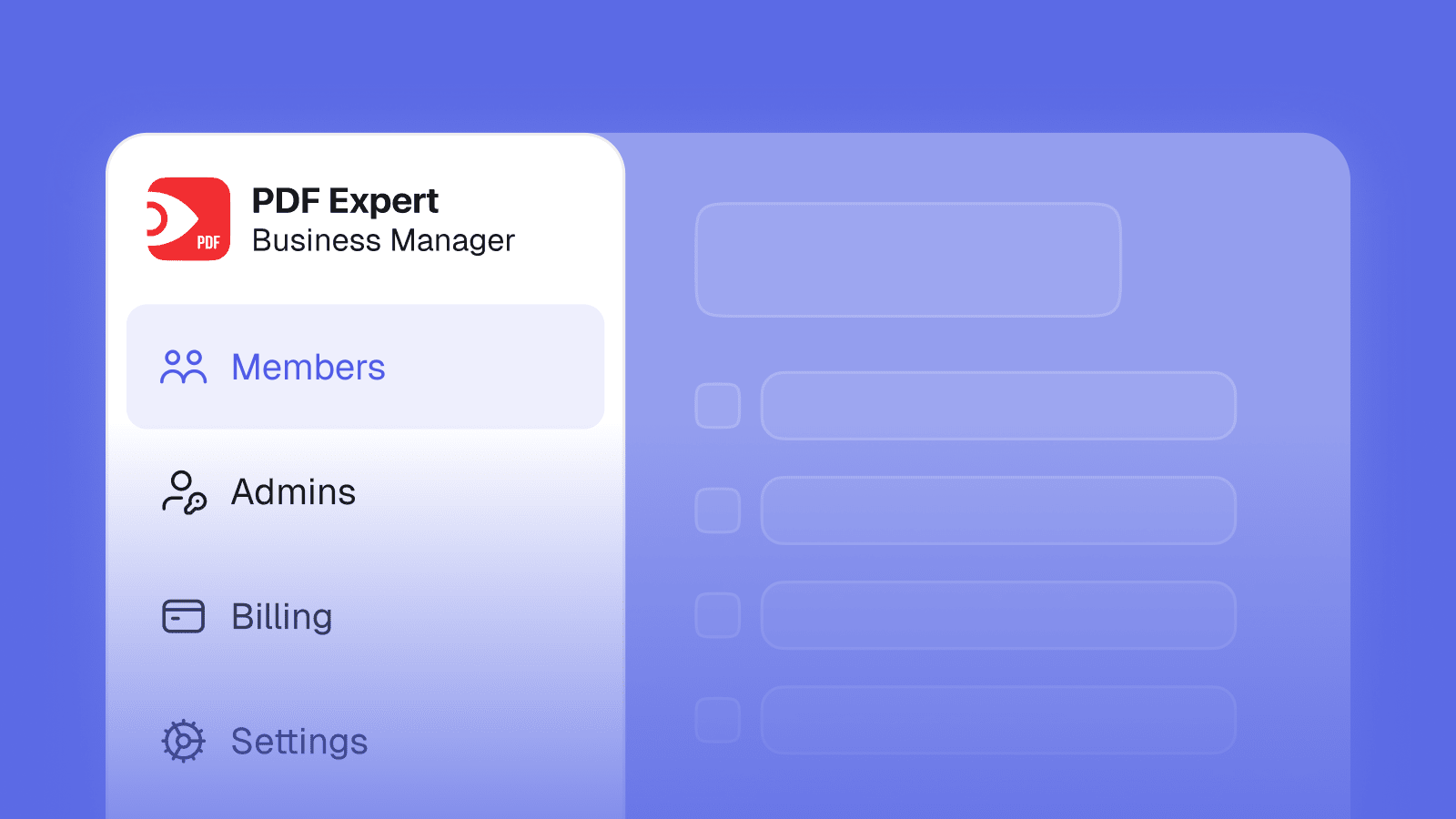
You can now easily buy, assign, and manage PDF Expert licenses across your team's Apple devices. It’s easy to set up in one day, completely self-serve, and no sales rep required!
Learn more
PDF Expert's iOS 27 and iPadOS 27 update: your handwriting, now fully searchable
Sep 14, 2026
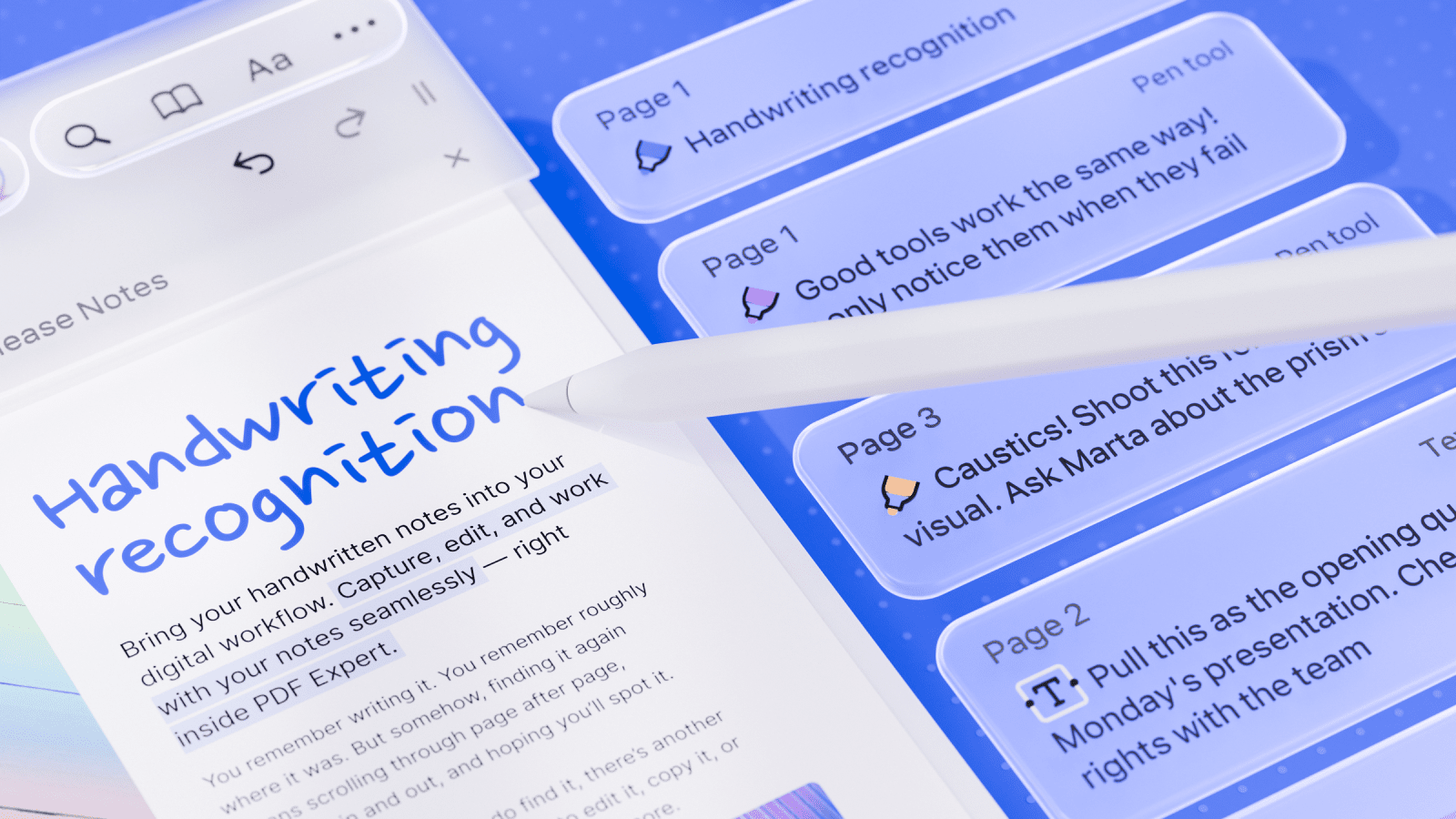
With the iOS 27 and iPadOS 27 update, PDF Expert is introducing Handwriting Recognition and Liquid Glass design adaptation to make writing, reviewing, and navigating your PDFs feel more natural than ever.
Learn more
NEW! Squeeze action for Apple Pencil Pro: switch tools with one touch
Sep 13, 2026
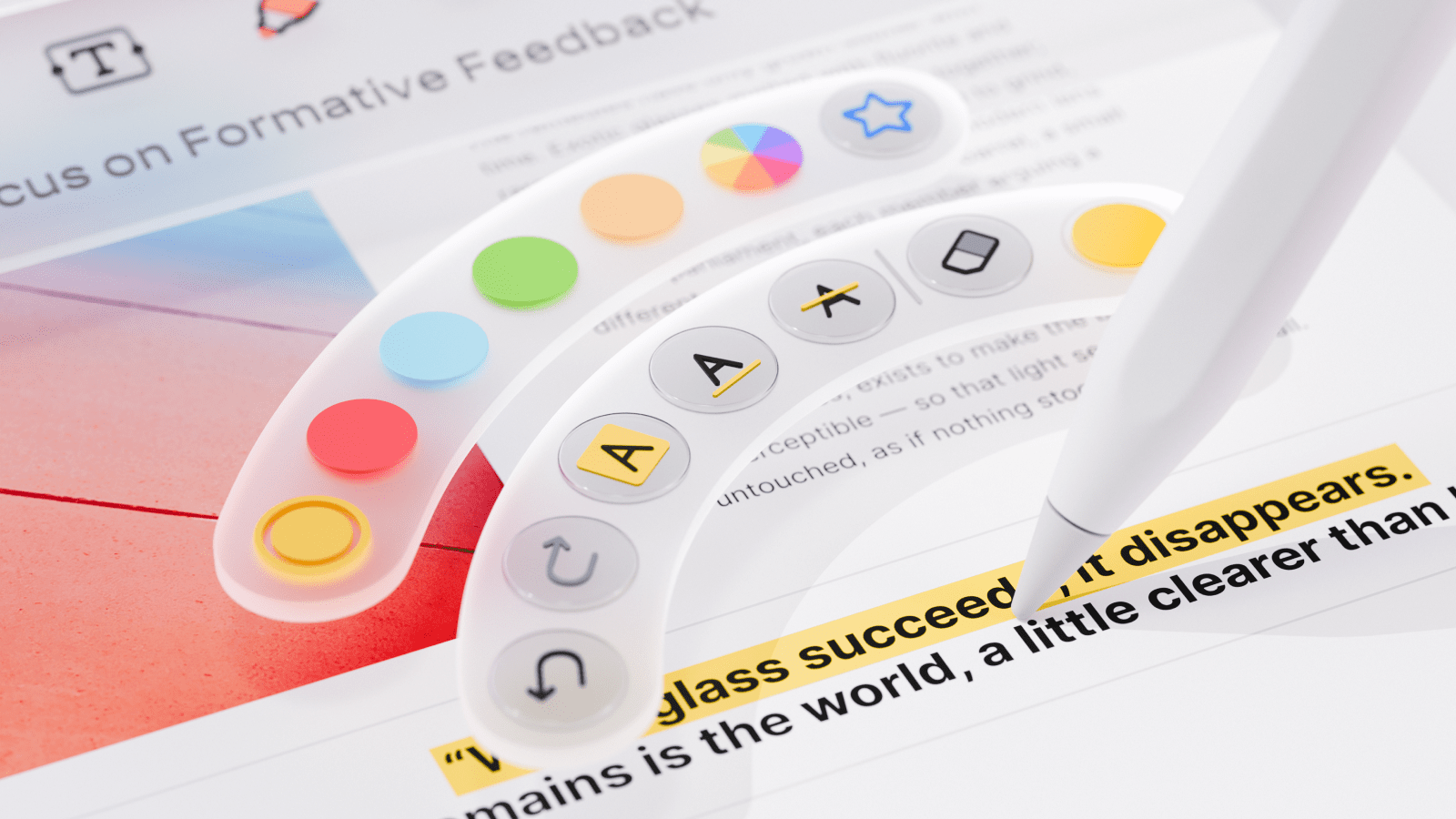
PDF Expert now supports the Apple Pencil's native squeeze gesture, bringing up a quick tool menu right on the page, so switching tools or adjusting settings is instant.
Learn more
5 reasons to try PDF Expert this academic year
Sep 9, 2026

Discover why this semester could be your most organized and productive yet. Inside, we share clever tools, study hacks, and workflows from our community - all designed to make your academic life smoother and more inspiring.
Learn more
Kindle Scribe vs reMarkable 2 vs iPad Pro: best device for PDF annotation
Aug 12, 2026
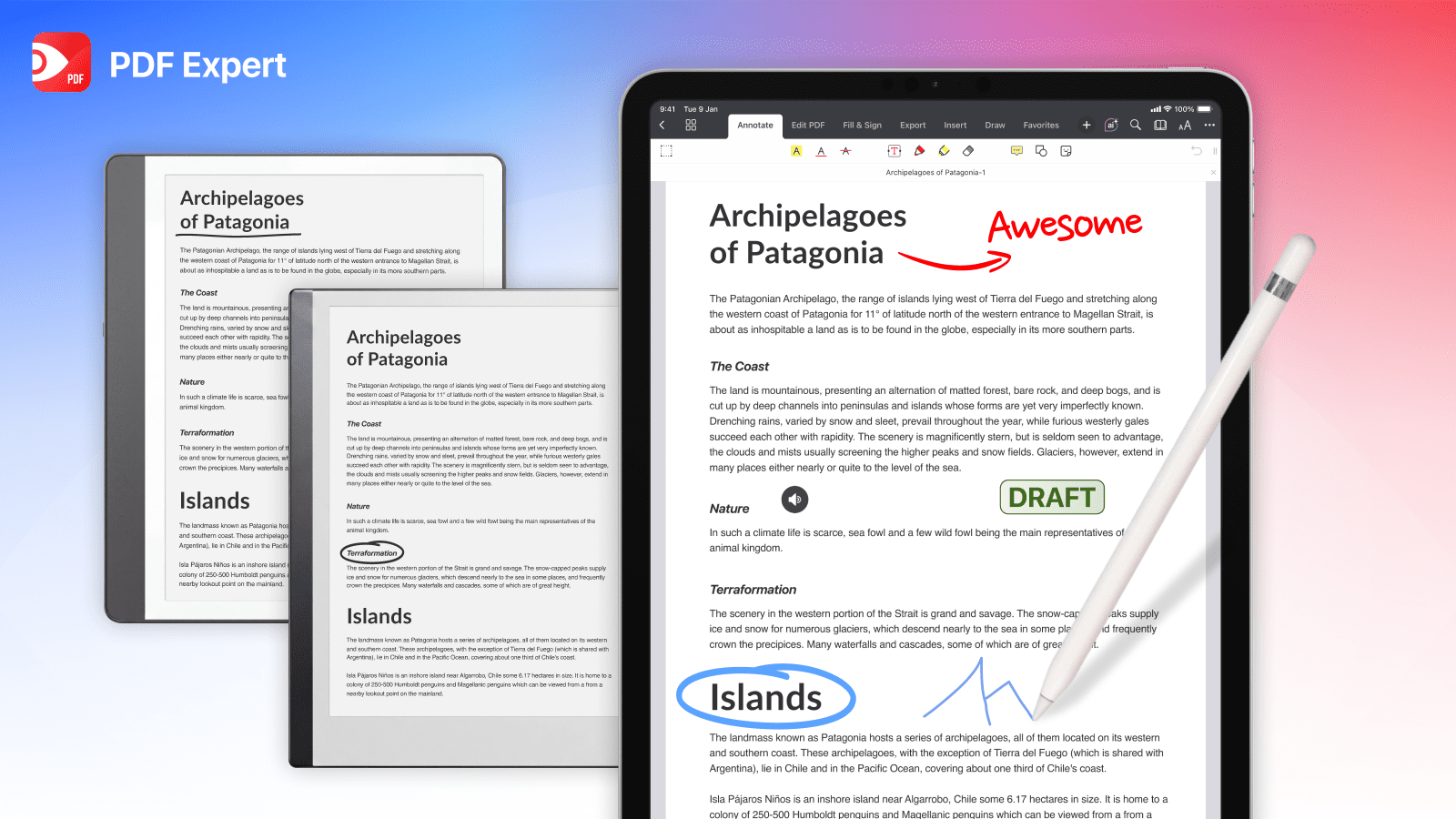
In this article, we compare Kindle Scribe, reMarkable 2, and iPad Pro head-to-head across the factors that actually matter for marking up documents.
Learn more
What Is a Commonplace Notebook? A Complete Guide
Jul 13, 2026
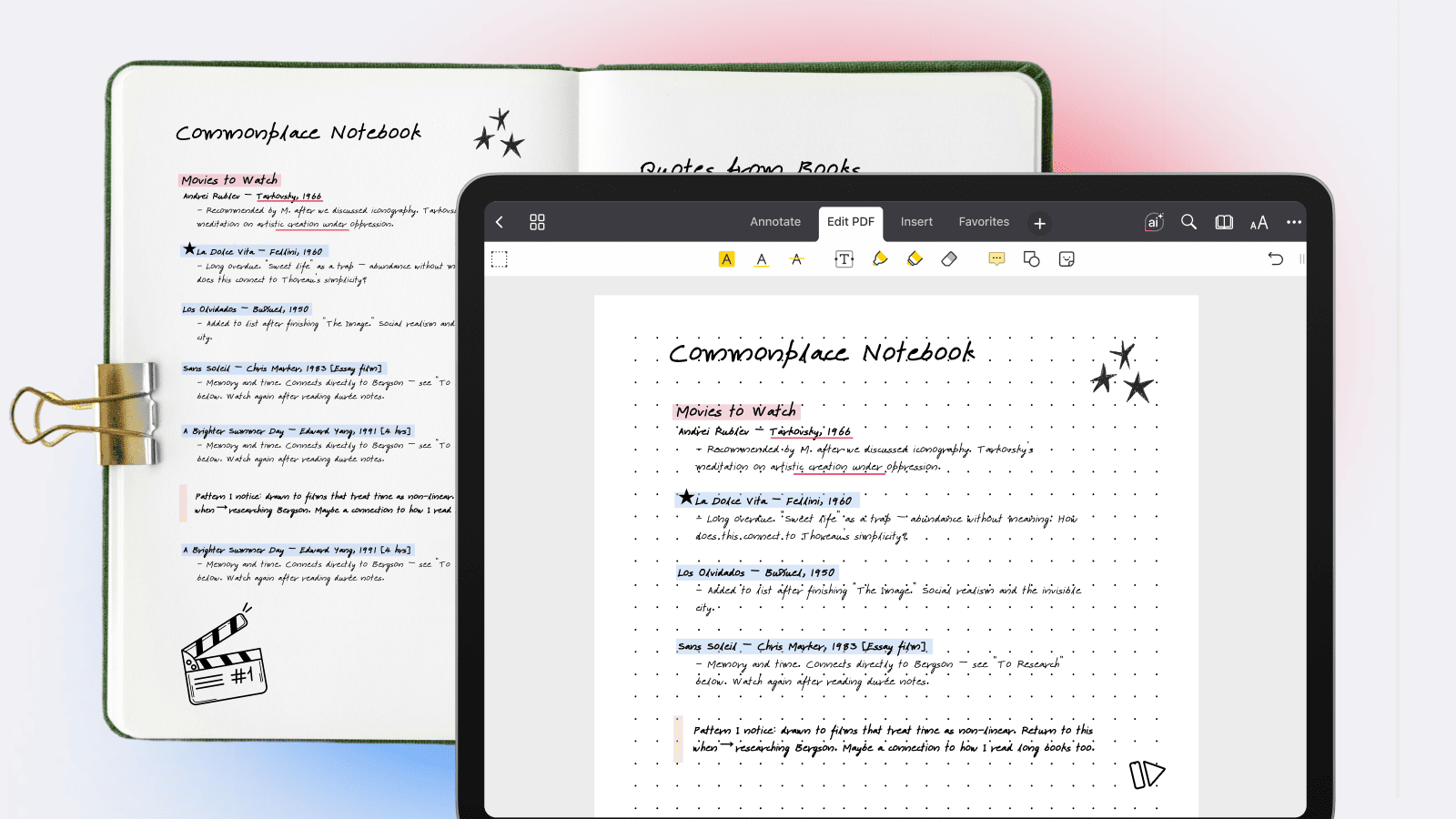
Learn how to start a commonplace notebook, the centuries-old system for sorting knowledge by theme, making connections across different sources, and building a personal reference library that grows with you.
Learn more
5 PDF Copilot AI Prompts for Educators
May 27, 2026
Speed up prep, create exams, and plan unusual activities—with AI prompt examples directly inside PDF Expert!
Learn more