PDF Expert’s PDF Copilot is an AI assistant that helps you better understand PDFs with just a few clicks, saving you time and effort. You can now quickly summarize PDF documents, understand their contents, and extract key information in seconds.
PDF Copilot: Read, summarize, and explore PDFs with AI
Stop scrolling. Start understanding with our AI assistant. Summarize, understand, and extract key information in seconds with PDF Copilot.
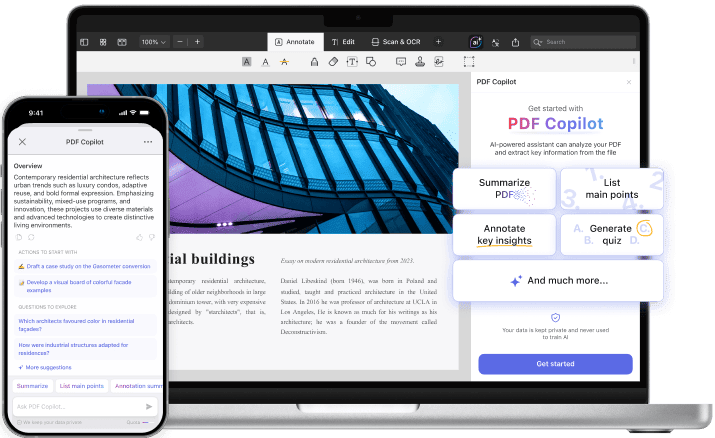
Chat with your PDFs without ever leaving PDF Expert
No uploads. No app switching. Everything happens inside PDF Expert.Turn complex PDFs into quick, clear answers. Whether it’s contracts, reports, or research papers, PDF Copilot makes working with documents effortless and efficient.
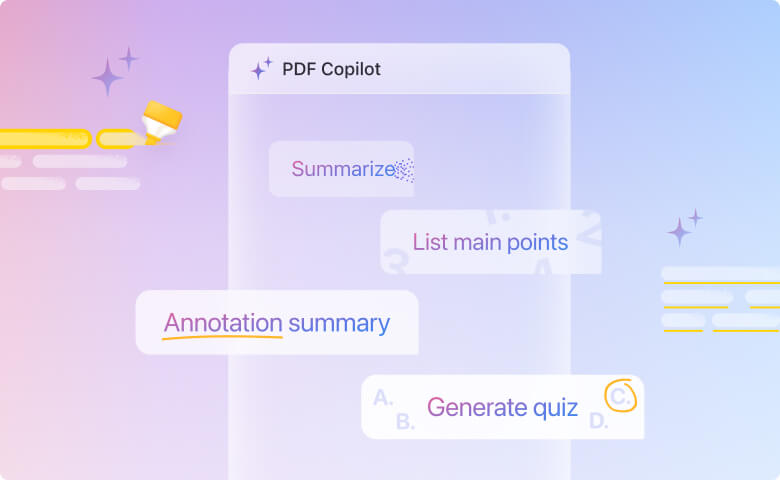
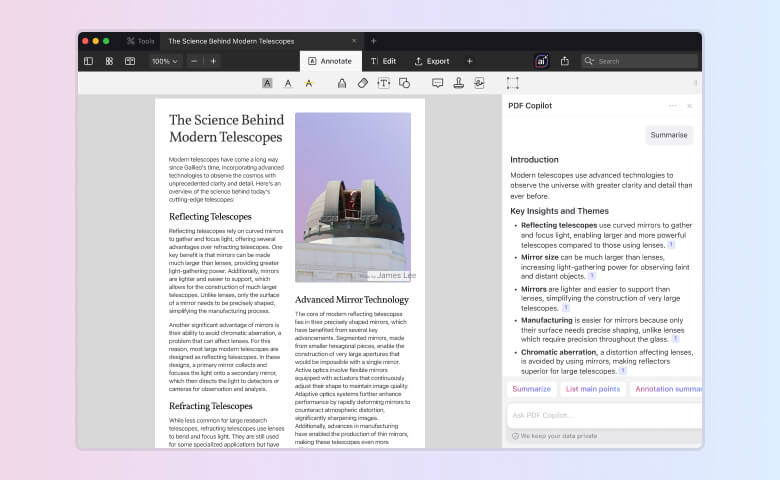
Generate summary
Ask PDF Copilot to summarize a PDF or all the annotations of a PDF for you - and get a concise and accurate summary in seconds.
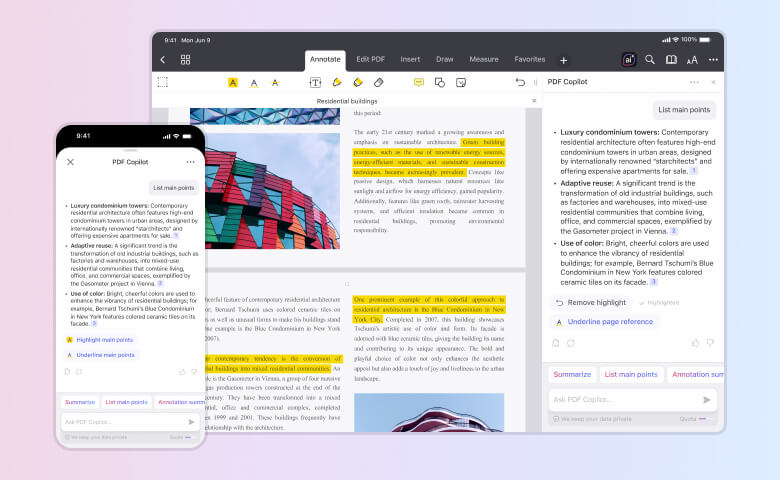
List main points
No time to read the whole PDF before the meeting? PDF Copilot will scan it, list the main points, and highlight these parts in the text right from the chat window. Each point includes a page reference, allowing you to jump instantly to the relevant section.
Ask your PDF anything
Instead of scrolling through a long contract to get the answers you need, simply ask PDF Copilot, “What are the key client obligations?” and it will not only give you an answer but also highlight relevant parts of the document. You can also use Copilot’s suggested questions for an easy start.
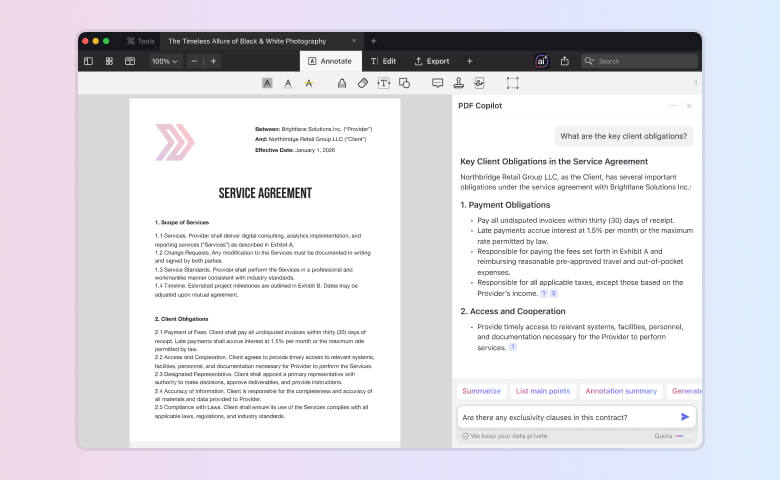
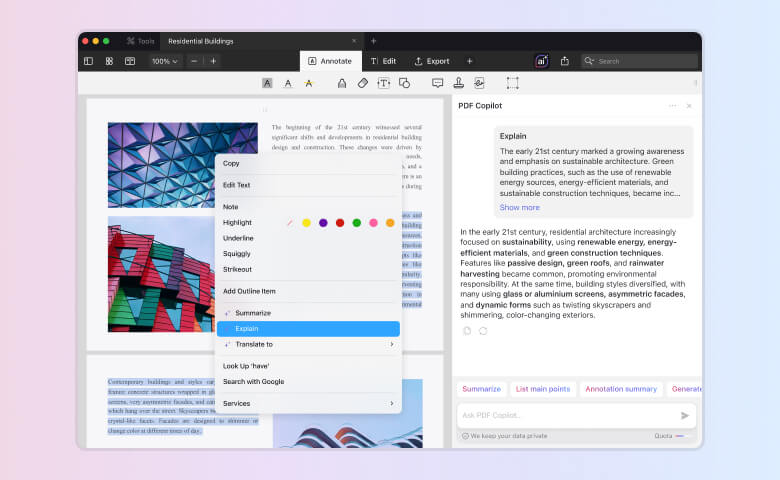
Explain
Get clear explanations for specific terms or phrases by selecting text, then right-clicking and choosing "Explain".
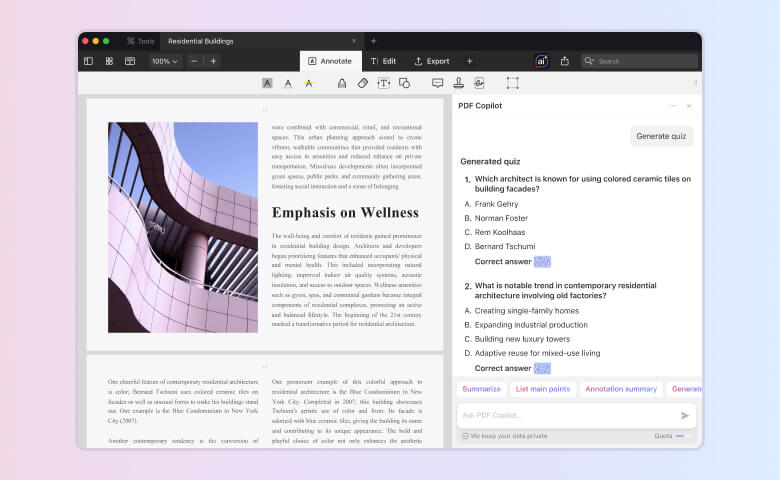
Generate quiz
Turn any PDF into an interactive learning experience. With one tap, PDF Copilot generates a quiz with multiple-choice questions and hidden answers you can reveal as you go — perfect for reviewing, testing understanding, or preparing study materials.
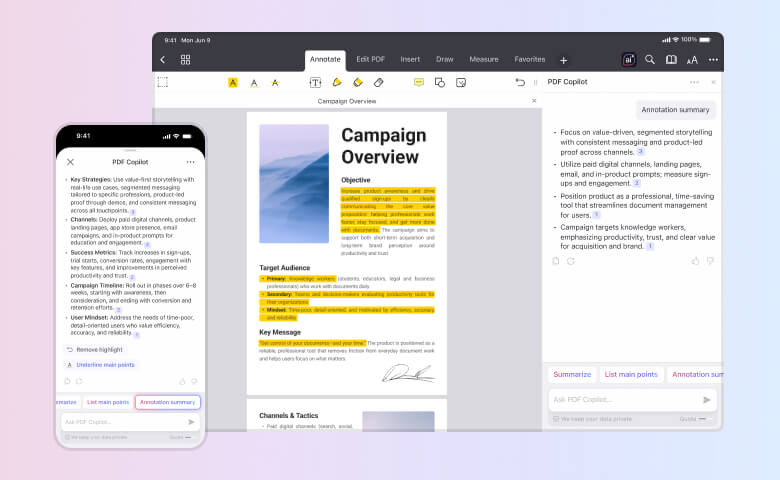
Annotation summary
Need a quick review? PDF Copilot summarizes all annotations and comments in your PDF, so you can catch up in minutes.
Get started with
PDF Expert today
Digest your PDFs in just a few clicks
1
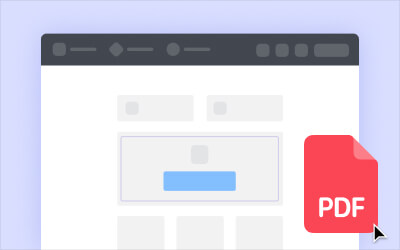
Open PDF document
Upload a new PDF or select an existing one from your library.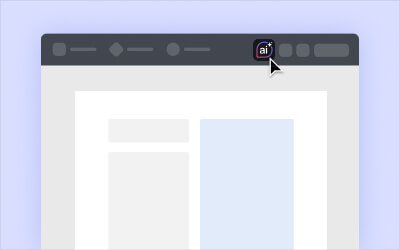
2
Enable PDF Copilot
Click on the 'ai' icon in the upper right corner to open PDF Copilot for the current document.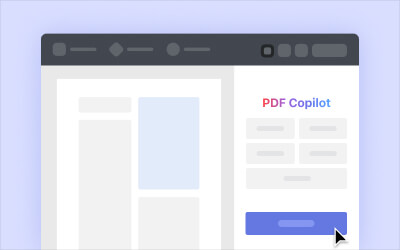
3
Explore PDF Copilot
PDF Copilot opens in a sidebar, where you can see quick actions and suggested prompts tailored to your document.
4
You can also select text in the PDF, right-click, and choose Explain for instant clarification.
Chat with PDF
Ask questions or use quick actions to interact with your document. Summarize content, extract key insights, generate quizzes, or type your own question.You can also select text in the PDF, right-click, and choose Explain for instant clarification.
Frequently Asked Questions
What is PDF Copilot?
What can PDF Copilot do with my PDF?
Summarize: Get a concise and accurate summary of the PDF based on the most important information in the document using natural language processing and machine learning algorithms.
Ask Anything: Ask any question you want, and Copilot will respond with an answer, which you can copy, regenerate, or share. Please note that Copilot will only be able to answer questions if the information is located within the PDF document you’re currently interacting with.
List Main Points: Ask Copilot to pull key points and takeaways without having to read the document. Then highlight or underline them right in a PDF with a single click.
Translate: With PDF Copilot, you can translate text sections within a document from one language to another.
Explain: Receive comprehensive explanations about specific terms, phrases, or text sections within the document.
What platforms is it available on?
PDF Expert’s PDF Copilot is available on macOS 13 and above; and on iOS 16 and above.
How to enable Copilot in PDF Expert?
Open the latest version of PDF Expert (or download it here).
You can click on the ‘PDF Copilot’ widget in the ‘Tools’ tab, then choose a document you want to open and work on. After opening the document, the chat panel will also open.
Alternatively, you can click the ‘ai’ button within the top navigation bar, which will open the chat panel.
There are 3 ways to get started with PDF Copilot:
1. Use a quick action like Summarize, List Main Points or Annotation Summary. If you want to translate parts of a PDF or explain them, you need to first select the text, then right-click and select “Translate” or “Explain” in the context menu.
2. Choose one of the suggested questions (Copilot suggests questions you might be interested in getting answered based on PDF content).
3. Use the ‘Ask PDF’ field to type what you’re looking for.
Is PDF Copilot secure?
Your data is encrypted and private. Your document content and requests you make to Copilot are private and secured via https encryption. Following our standard data protection practices - we embed the latest data security standards, improve our awareness of privacy matters, and comply with the General Data Protection Regulation and other privacy laws.
Your PDF files will never be scanned on the background - only if you activate PDF Copilot.
PDF Expert will not use your data to train our or our partners’ models. The prompts you make to Copilot and the content of documents will only be shared with our partners (OpenAI) for the sole purpose of providing you with AI text generation.
You’re in control. AI helps you to analyze PDFs, and you can save time and effort. For information specific to PDF Copilot, see our updated Privacy Policy.
What data do you transfer?
We transfer only essential data about you and your request: user ID and text that you want to process. This data is anonymous for PDF Copilot because all of the related processing including such pseudonymisation is happening on the PDF Expert’s servers.
What data do you process?
In order for the chat functionality to work correctly, we need the following data: account data, user ID, technical data about the request and the text of the request itself. We process all this data in order to ensure the use of the chat. They are pseudonymised on PDF Expert's severs and stored only while you use the product.
Can I delete data?
Yes, you can erase your data by contacting us via dpo@readdle.com.
Have you signed DPA?
Yes. As a controller of your personal data we are obliged to keep your data safe, and transfer it due to the instructions to the processor. Please contact us to receive a copy of a DPA.
Get started with
PDF Expert today
We make it easy to edit, annotate, sign and organize PDFs.