
Running a business means dealing with countless tasks, from managing contracts to ensuring invoices are sent out on time. After a long day of paperwork, who among us hasn't taken a deep breath and wondered why we can't automate this?
While some might only be dreaming, some are making minor moves toward having reliable, reusable business templates at their fingertips. With PDF Expert, you can ditch the drudgery of repetitive document creation and focus on your work, not printing or reprinting.
Let’s talk about how these 5 essential business templates save time, boost efficiency, and make your business looking sharp and professional every step of the way.
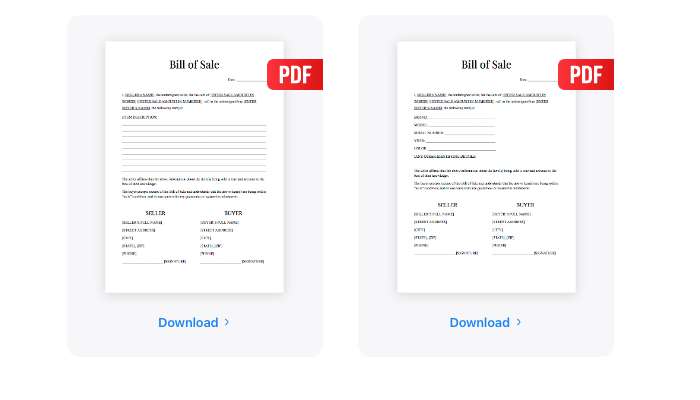
1. Bill of sale form: because who has time for handwritten sales contracts?
When it comes to transferring ownership, you need to keep things clear and above board. The bill of sale template does just that. Using this formal business document is way better than scrambling to piece together a last-minute contract. Plus, with PDF Expert, adjusting the template for your next big sale is easier than printing endless copies that just gather dust on your shelf.
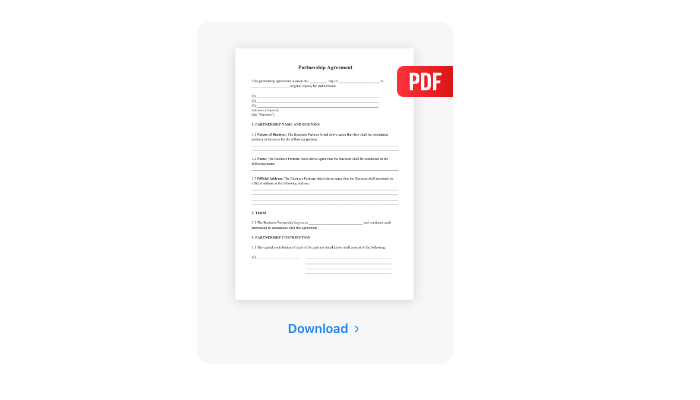
2. Business partnership agreement: clear terms, fewer puzzles in mind
Business partnerships are tricky enough without wading through dense legal jargon. This business partnership agreement template simplifies the process, laying out roles, responsibilities, and profits in clear terms you and your partner can skip to the good part: building a thriving business. With PDF Expert, you can tweak your templates for a deal as fast as you can say, "Let’s make it official" (a disclaimer: just a heads up — this article isn't legal or financial advice. Always chat with a professional before putting pen to virtual paper)
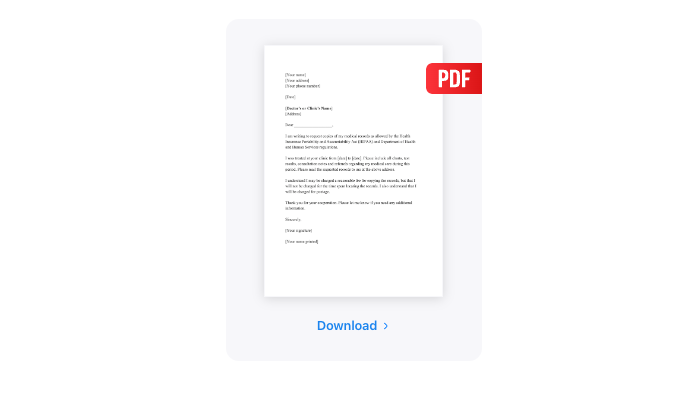
3. Service contract: because promises don’t pay the bills
When you’re offering services, a handshake just won’t cut it. You need something solid — like a service contract template that outlines exactly what you’ll deliver and how you’ll get paid. Bonus: the template ensures your contract looks sharp and stays secure, so nobody’s messing with the details after it’s signed.
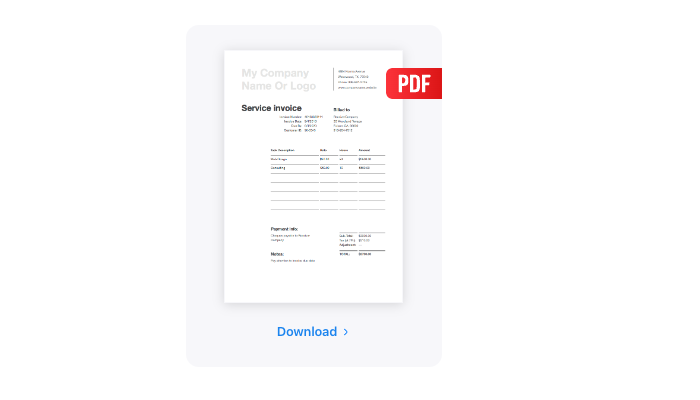
4. Invoice template: get paid, stress-free
Invoices don’t have to be a pain. With the invoice template, you can quickly add your company info, customize it for each client, and hit send. No fuss, no muss. PDF Expert even makes it easier by letting you reuse and adjust the template with just a few taps — because chasing down payments is already enough work.
5. Receipt template: keep it professional
Receipts are boring but necessary. The receipt template takes the guesswork out of documenting transactions, whether for your clients or your records. It’s clean, professional, and easy to modify. With PDF Expert, you can customize receipts to match your branding and reuse them for every sale without lifting a finger.
How to edit a PDF on Mac
PDF Expert offers a range of tools to create and edit PDFs in just a few taps:
- Open the PDF in PDF Expert.
- Click Edit in the top toolbar.
- Select the Text button.
- Choose the text you want to edit and make your changes.
- Click on any blank space to save the edits.
You can also customize the images, links, tables of content, etc. Just tap the link for quick, step-by-step instructions.
The bottom line?
PDF for business gives you consistency, security, and ease of use, especially when it comes to formatting business documents. Ready to cut the busywork? Check out these templates and reclaim your time for what really matters.
Reminder: This article isn’t legal or financial advice. Be sure to consult a professional before signing anything.