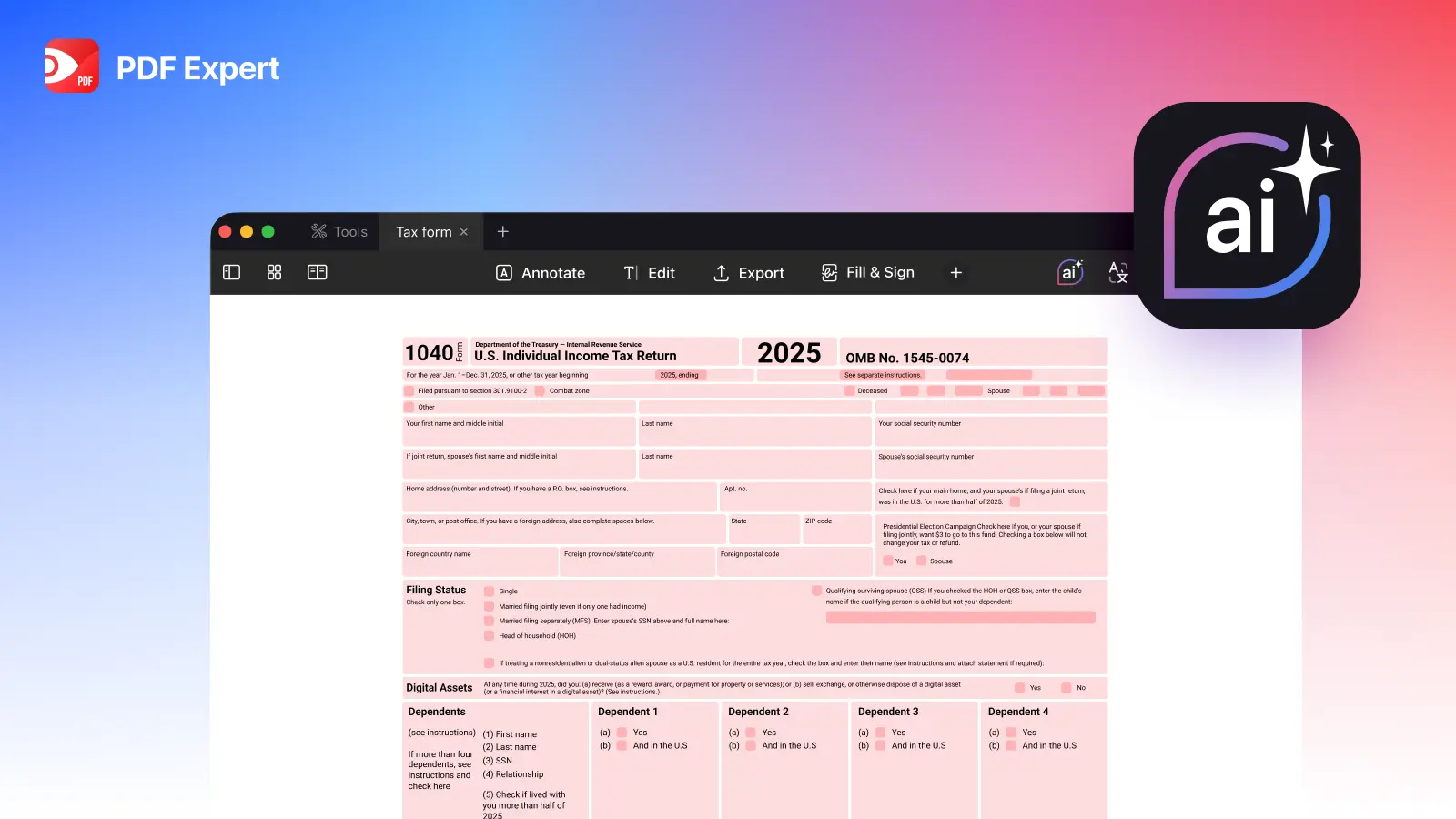
AI has quickly become part of everyday work, including tax season. The results of the Tolley ‘AI in tax’ survey speak for themselves – check the numbers here.
From summarizing IRS instructions to flagging document inconsistencies, it can save time and reduce stress. But tax filing involves sensitive data and strict rules. AI assistants can speed up the process and reduce manual work, but they shouldn’t replace your judgment or official sources.
Let’s break down what works, what doesn’t, and how to stay safe.
DO’s: AI tax preparation practices to save time
1. Use AI to find and simplify information
Tax guidance is famously dense, with IRS instructions and updates spanning dozens of pages. AI tools, both AI tax software and general AI assistants, are great for:
- Breaking down complex tax language into plain English
- Summarizing lengthy documents (e.g. PDF Expert’s Copilot summarizes a huge PDF in seconds)
- Explaining terminology
- Providing a starting point for research (e.g. where a figure typically appears on a form)
Think of it as an intelligent translator for tax bureaucracy.
2. Draft and organize tax documents
AI can help draft:
- Basic correspondence (e.g. clarification letters)
- Checklists for required forms
It’s also helpful in reviewing documents at a high level. For example, it may flag obvious discrepancies — such as wage amounts that don’t align with your W-2. That first-pass review can save time before you double-check everything yourself.
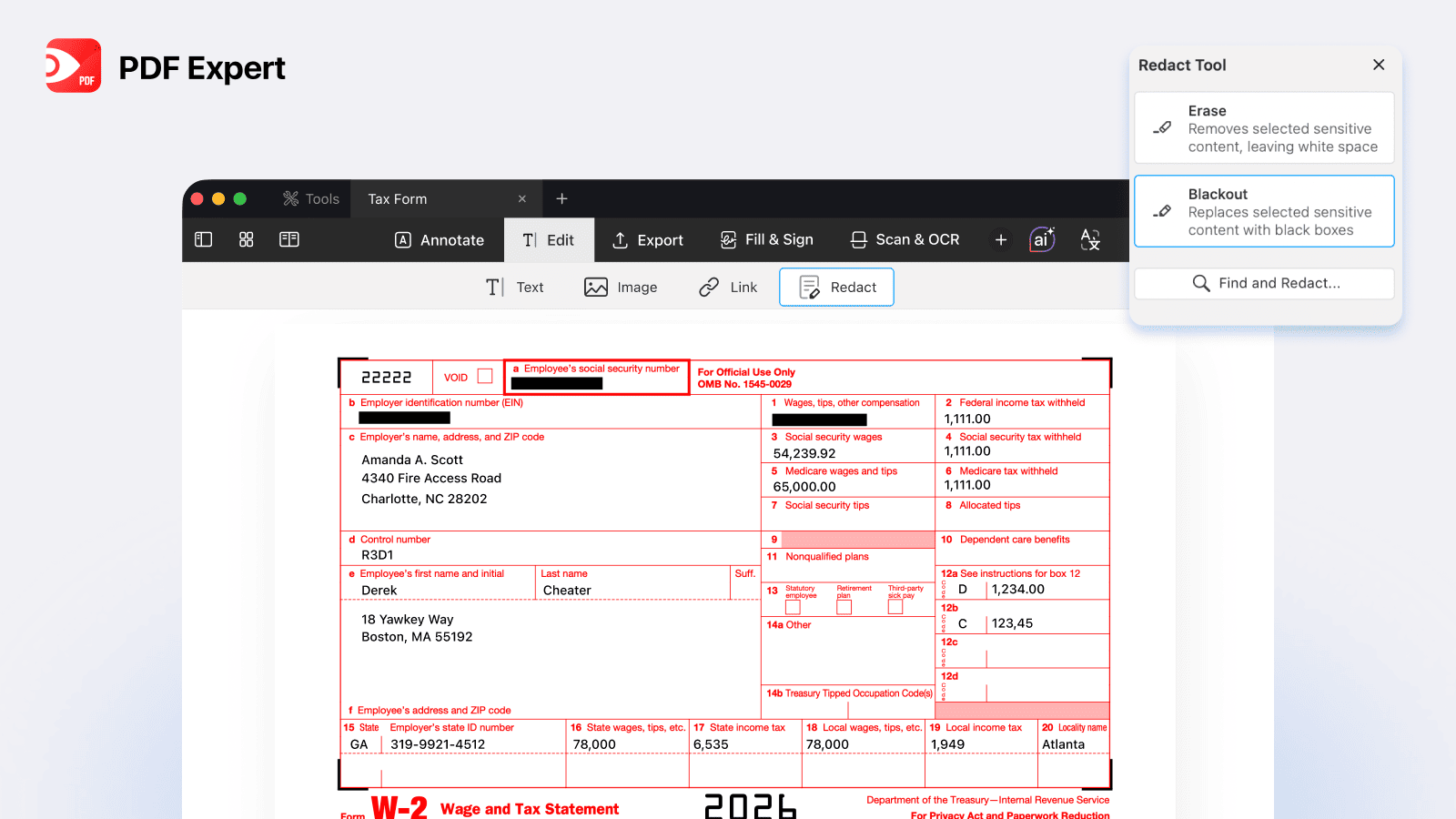
Top tip: redact sensitive information from the document before uploading it to AI. Here is how to do it in PDF Expert: redact a document in a few clicks.
3. Get guided assistance from built-in tax AI
Some tax-preparation platforms integrate AI assistants directly into their workflow. These tools guide users through standardised questions and simple calculations, helping ensure no steps are skipped.
Because they operate within structured tax software, they’re generally more reliable than open-ended chatbots for routine tasks.
4. Identify potential deductions
AI systems can scan regulations and financial data to surface possible credits or deductions you may want to explore further.
They don’t replace professional advice — but they can highlight areas worth checking against official IRS guidance.
DON’Ts: Where AI tax preparation can go wrong
1. Don’t ask AI to calculate your final taxes
General-purpose AI tools are not tax engines. They may misinterpret inputs, apply outdated thresholds, or simply hallucinate figures. That’s too risky and can lead to costly mistakes when filing taxes.
2. Don’t let AI fill out forms without verification
Auto-generating completed tax forms without reviewing every field is risky. AI can misinterpret context or misplace numbers.
Always verify against:
- Official IRS instructions
- Your original documents
- Trusted tax software calculations
3. Don’t skip the source check
AI is a starting point — not an authority. Tax laws change frequently. Always confirm:
- Thresholds
- Eligibility criteria
- Filing requirements
Cross-reference with IRS.gov or trusted tax-preparation platforms.
4. Don’t upload sensitive documents without safeguards
Tax documents contain highly sensitive personally identifiable information (PII), including Social Security numbers and income data.
Before uploading anything to an AI tool, ask: Where is the data stored? Is it used for training? Is it encrypted?
A practical approach is to redact sensitive details before uploading. Tools like PDF Expert allow you to permanently remove confidential information from PDFs before sharing or analysing them. That way, you can use AI for structural or informational help without exposing private data.
AI safety checklist for tax season
Is it safe to use AI for taxes?
Yes — for research, summarization, and document organization. No, as a sole decision-maker and final source of truth. It is essential to use AI tools developed by established, reputable providers with clear standards for security, compliance, and data governance.
What AI tools are compliant?
Tools built directly into regulated tax-preparation platforms generally follow stricter compliance standards. General-purpose online AI tools may not be designed with tax regulations in mind.
When is it safe to upload private documents?
Only when:
- The platform clearly explains its data handling policies and does not use personal data for training purposes
- Encryption and privacy safeguards are in place
- You’ve removed unnecessary sensitive data
What type of AI tools make sense for tax prep?
- AI embedded in tax-preparation software
- Secure document-management tools with redaction features
- AI used purely for research and summarization
What are the key risks and limitations of using AI for tax filing?
- AI can hallucinate, fabricate legal interpretations, or mistake tax rules. Large language models (LLMs) predict the next likely word based on patterns in massive datasets. They don’t “know” tax facts the way humans do. When a question is unclear or outside their training, they can produce confident-sounding but completely incorrect answers — often called hallucinations. In tax matters, where one wrong detail can lead to penalties or extra fees, that margin for error is risky.
- Uploading financial data to unsecured tools increases exposure risk.
- AI can be lacking context and access to nuances, especially in complex cases. Tax rules are complex and context-dependent, and tax professionals are trained to spot red flags, ask probing questions, and interpret nuance.
The Bottom Line
AI is a powerful assistant during tax season. It can help you understand complicated instructions, summarize documents, organize information, and flag inconsistencies.
But it works best as a support tool — not the final authority. To reduce the risk of mistakes, it’s better to verify everything with original sources. To keep your sensitive data safe, use secure tools from trusted developers. And remember: when it comes to taxes, precision matters more than speed.
Need help with organizing tax documents? Download PDF Expert for easy scanning, merging and editing PDF documents, filling out forms and signing documents on the go.
Read our simple tax filing guide:
How to fill out IRS tax forms for 2026: IRS templates, valuable tips, and mistakes to avoid
 Yevheniia Dychko