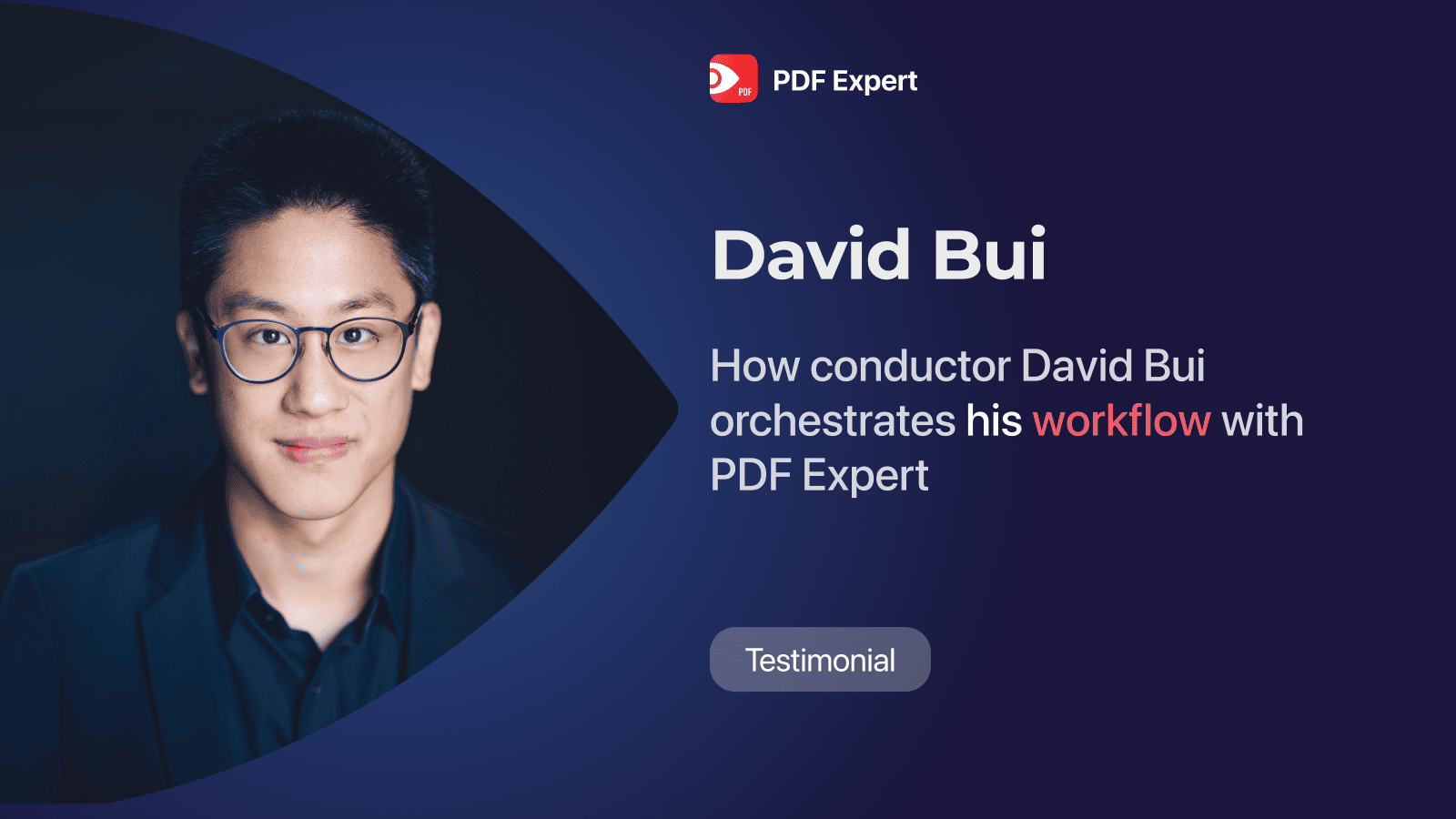
David Bui was born and raised in Germany and is currently based in Vancouver. He is a seasoned orchestra conductor who uses an iPad to store scores, learn French, and work on his documents. We asked him about his proven workflows, most-used apps, and productivity tips.
Elegant way of handling scores and docs
For David, the iPad has become an essential tool, replacing the physical burden of carrying countless scores to rehearsals. He primarily uses two apps for his digital documents:
-
forScore: This is his dedicated app for musical scores. It allows him to store scores, sort them by composer, and tag them for quick retrieval and annotation during rehearsals. He usually receives scores as digital files or scans of physical copies from libraries.
-
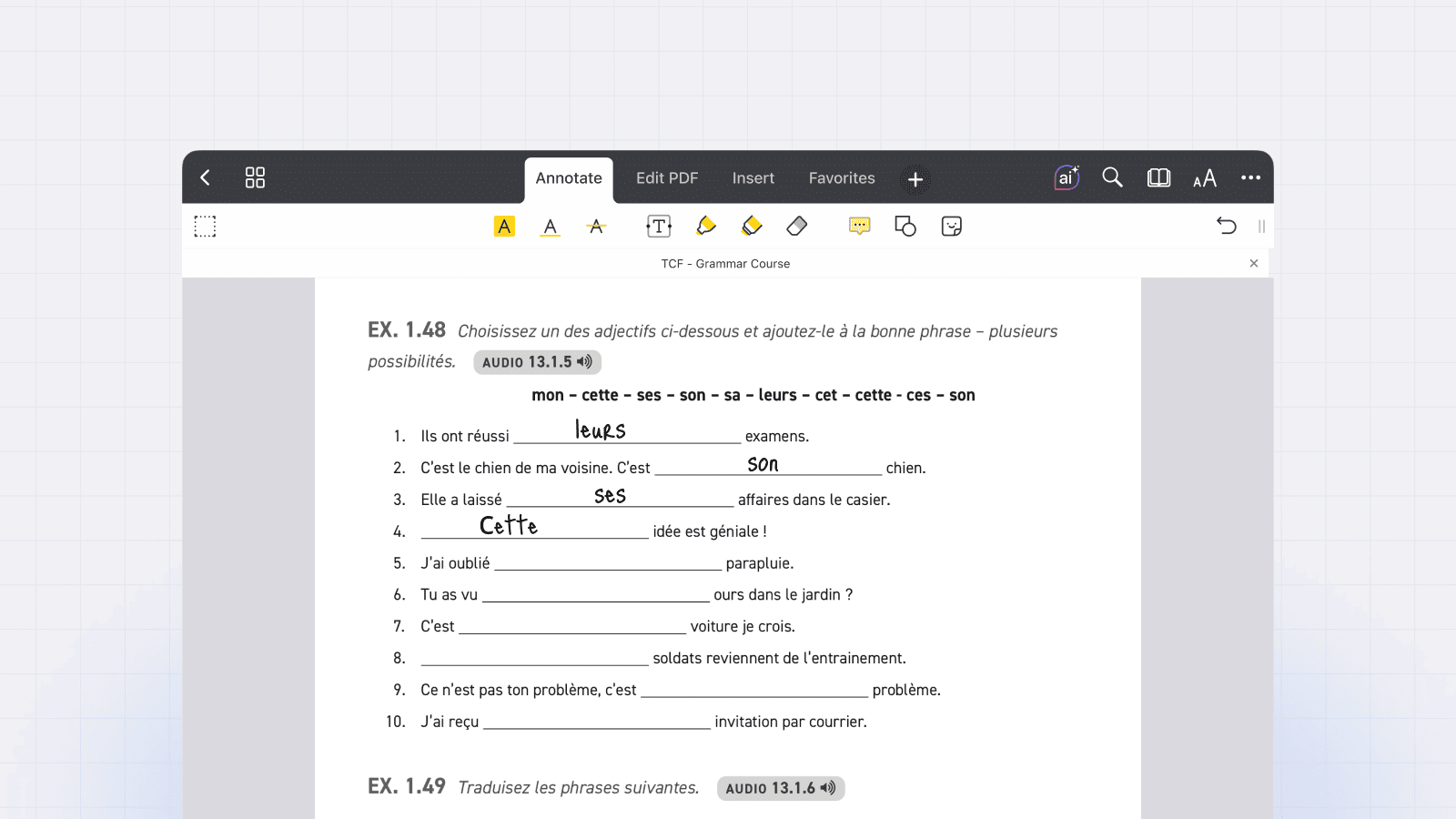
PDF Expert: David uses it for all non-musical text, such as research papers, books, and language-learning materials. He uses PDF Expert daily to mark text and take notes, which lets him ditch heavy physical books, such as those for learning French. He also appreciates iCloud storage sync, which lets him access his documents on other devices.
‘It’s an elegant way to have a lot of scores and docs on your device without actually carrying the weight, ' shares David. 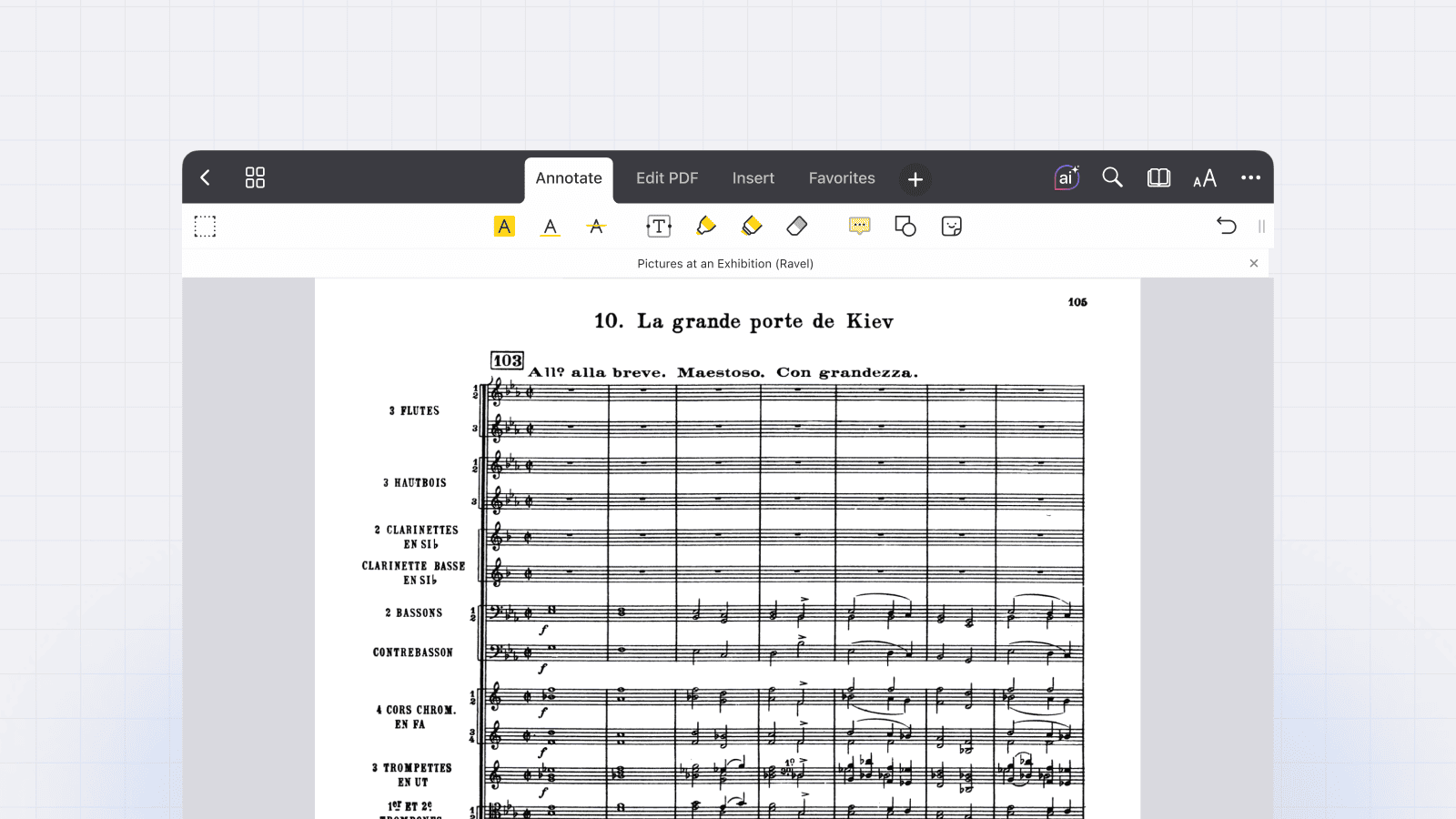
Essential App Toolkit
Beyond his essential document readers, David uses complementary apps to maintain his speed and focus:
-
GoodNotes: This is his preferred application for taking quick, general notes.
-
AI Tools: David integrates several AI platforms, including Perplexity, ChatGPT, and Claude AI, to significantly accelerate text work, such as writing applications or letters of interest. He emphasized that this process requires precise, detailed prompting and, crucially, human oversight to ensure the final output accurately represents him.
A Professional Tip for Fellow Musicians
When asked for a productivity tip for other musicians, David was direct:
"I would suggest better to start now than later," he advised on the transition to digital tools. He pointed out that while many in the orchestra context still rely on paper, switching to digital is not only environmentally friendlier but also makes annotation quicker and allows for much faster sharing of marked-up files.
Follow David on Instagram: https://www.instagram.com/davidbuiconductor/
Learn more productivity hacks from the PDF Expert community:
- How Sterling Greni uses PDF Expert to streamline pre-construction workflows
- Sustainable Productivity Talks: Jeff Richardson on iPhone as a second brain
- Sustainable Productivity Talks: Ben Munro on employing tech in legal space
 Yevheniia Dychko