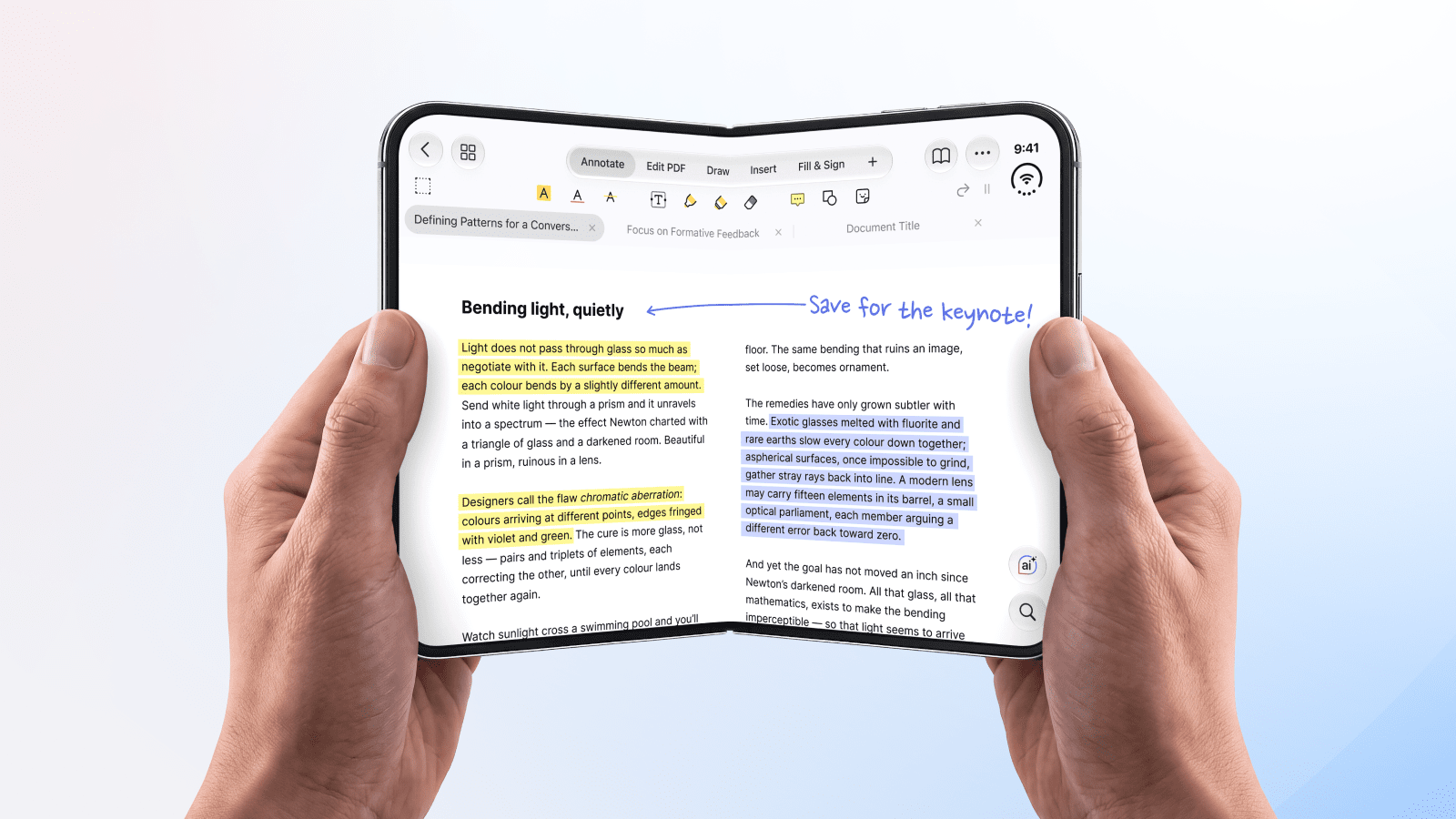
iPhone Duo is here, and PDF Expert is ready for it from day one. Whether your iPhone Duo is folded or unfolded, PDF Expert adapts to the screen you're using, so reading, editing, and signing PDFs feels natural from the moment you set up your new device.
That matters more than it might seem. iPhone apps that haven't been adapted still run on iPhone Duo, but may look awkward. On the large inner display, fixed layouts can look stretched or letterboxed, much like iPhone apps on iPad, and some lose your place when the device folds. If you're choosing the iPhone Duo apps you'll rely on every day, you want ones built for both screens. PDF Expert is one of them.
How PDF Expert works on iPhone Duo
Unfolded: a full workspace in your hand
Open iPhone Duo and PDF Expert uses the larger canvas to show full pages, with more room to annotate, draw, and edit. In this state, the app feels much like it does on iPad. Everything you need stays in view:
- The toolbar: Annotate, Edit PDF, Draw, Insert, and Fill & Sign
- Document tabs so that you can move between open files quickly
Two PDFs side by side
With multi-window support, you can open two PDFs in Split View to compare a contract with its latest revision, or review an invoice alongside a quote. You can also keep PDF Expert open beside another app while you work.
Folded: quick tasks on the go
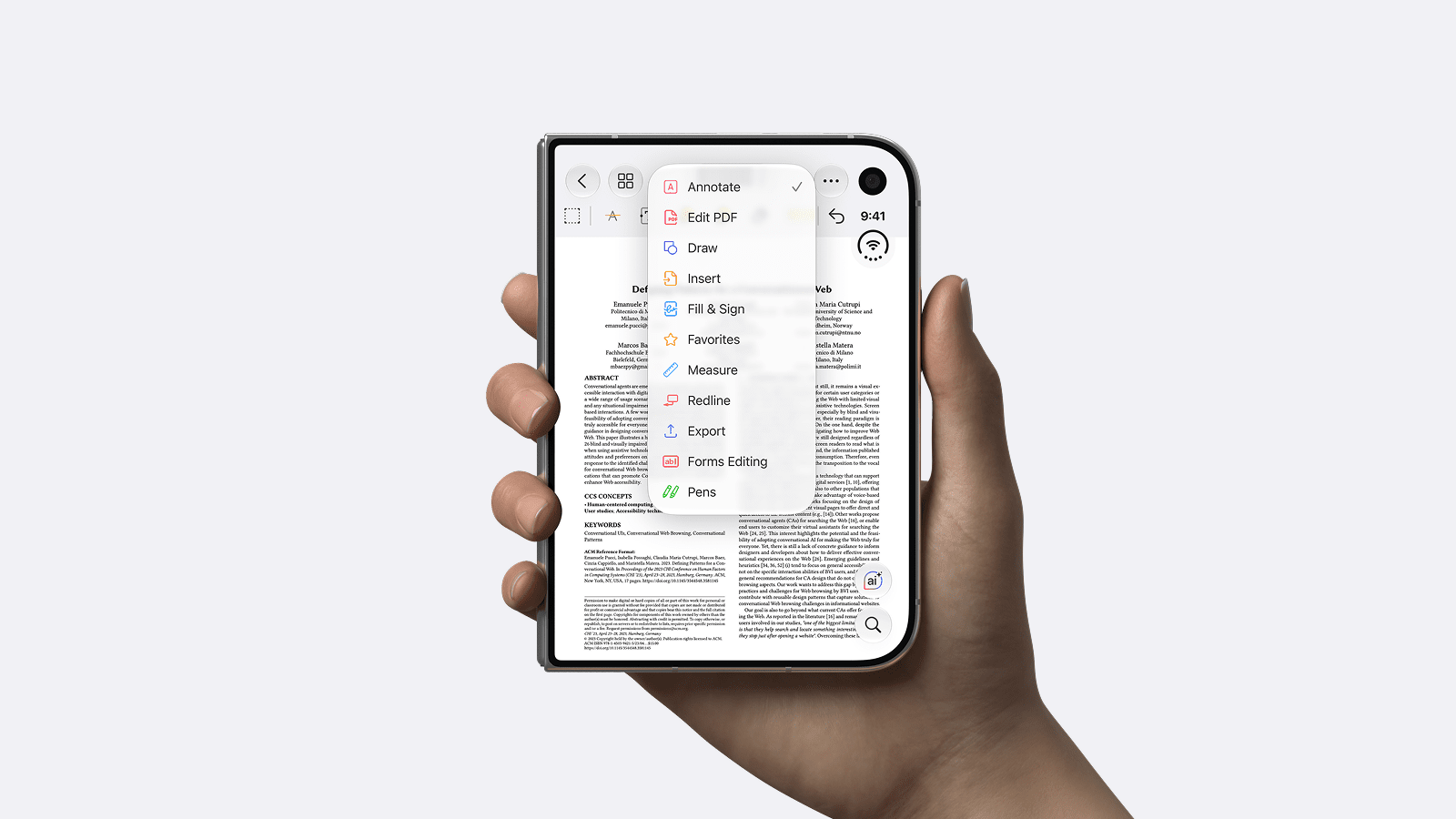
When folded, iPhone Duo becomes one of the most compact iPhones, and PDF Expert adapts its layout to match. It's ideal for quick jobs: checking a detail in a document, sharing a PDF via email, or signing something on the go.
Designed for the new form factor
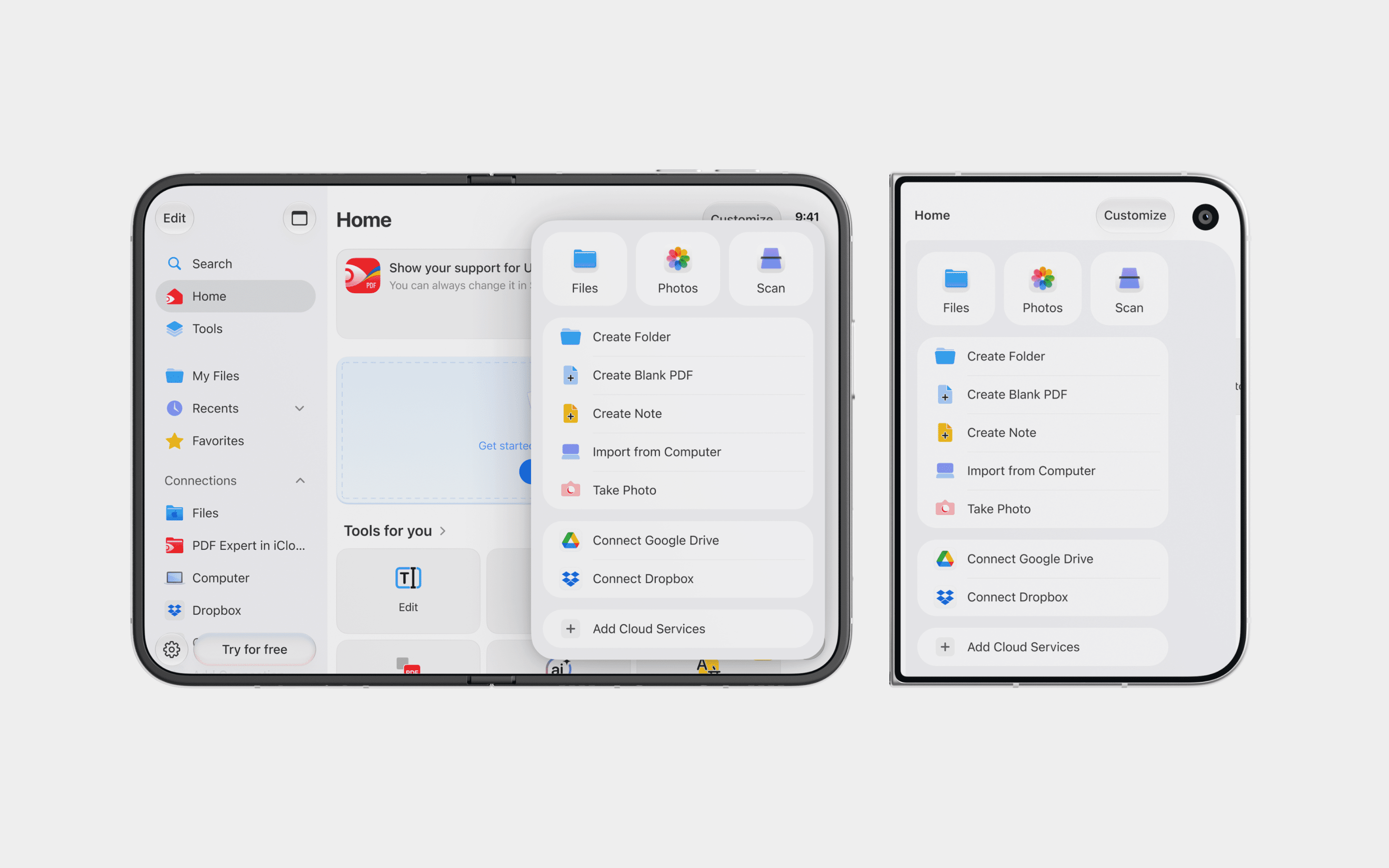
Navigation in the Home tab, the document viewer, and other menus has been adjusted for iPhone Duo, so everything fits the way you’re holding it. Every feature you use on iPhone and iPad is here.
Get PDF Expert on your iPhone Duo
iPhone Duo turns your phone into a pocket-sized workspace, and PDF Expert makes it a pocket-sized PDF editor. A bigger screen for editing, two documents side by side, and quick signing when folded: it's all ready from day one.
Download PDF Expert from the App Store and see what your iPhone Duo can do with documents.
 Yevheniia Dychko