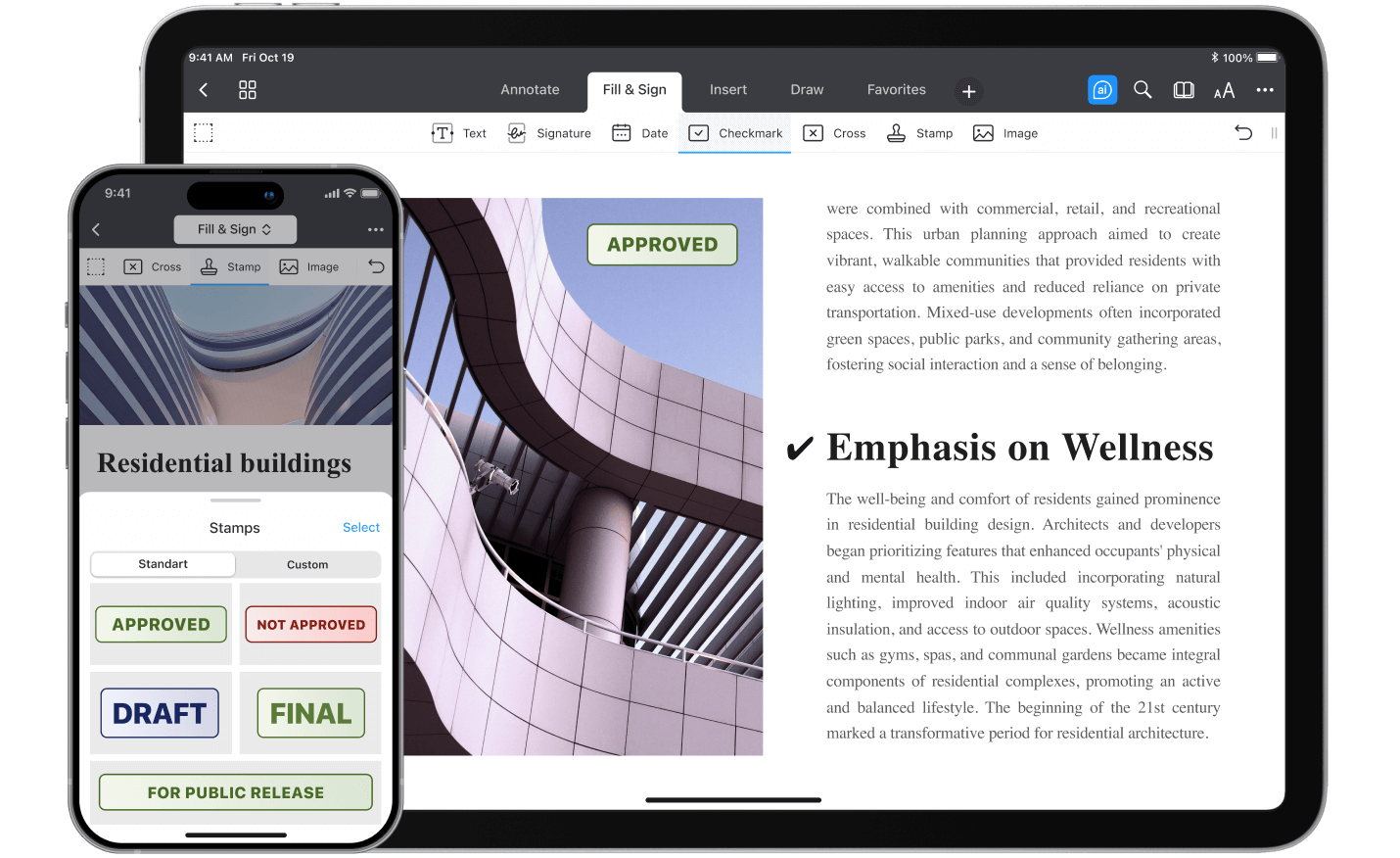
Adding checkmarks to PDFs brings order to your PDFs, helping you organize tasks and complete forms effortlessly. With PDF Expert for iOS, adding checkmarks is as intuitive as it is powerful — just a few taps, and you’re done.
Why add checkmarks to PDFs?
Checkmarks are a practical tool for annotating PDFs, allowing you to track tasks, finalize forms, and review documents effortlessly. PDF Expert makes the process seamless, so you can focus on what matters most.
Step-by-step guide to adding checkmarks with PDF Expert on iPhone and iPad
1. Open the PDF in PDF Expert
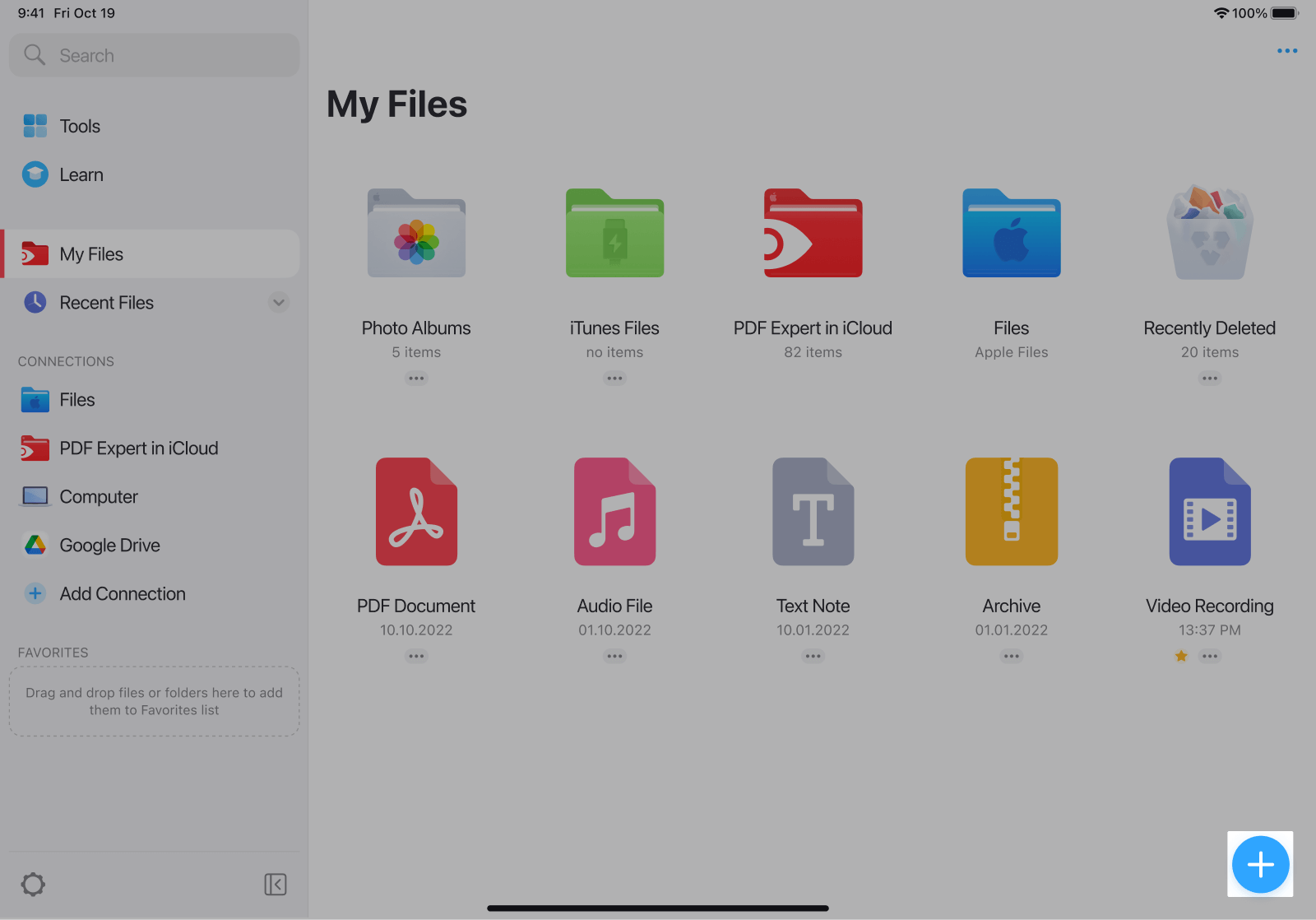
- Open PDF Expert, tap on the blue + button.
- Select the PDF, or import it directly from iCloud, Dropbox, or another source.
2. Use the Checkmark tool
- Tap Fill & Sign at the top of the toolbar.
- Choose Checkmark and tap anywhere in your document to place it.

3. Adding a Stamp (optional)
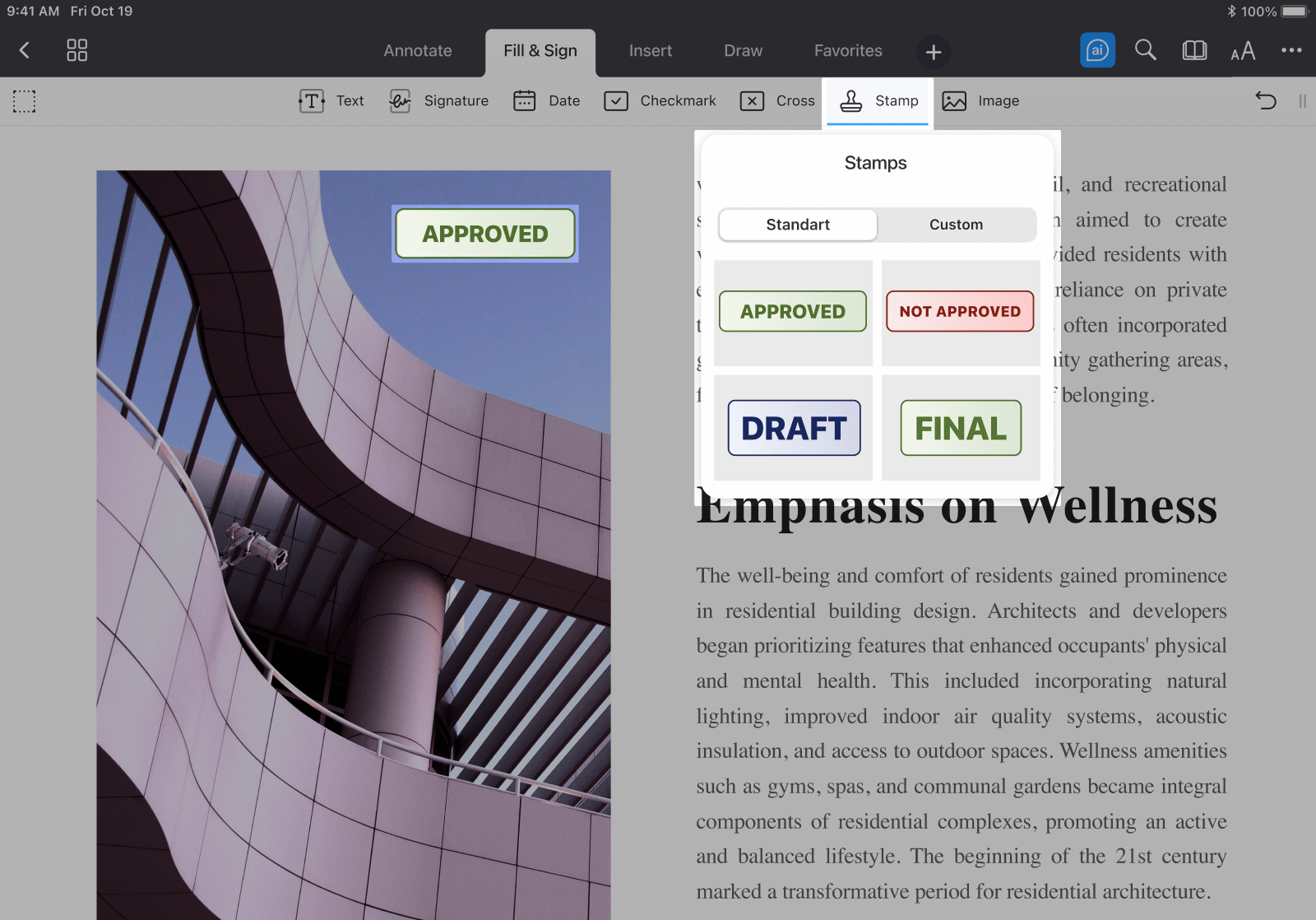
- To insert a stamp like "Approved," navigate to Fill & Sign > Stamps.
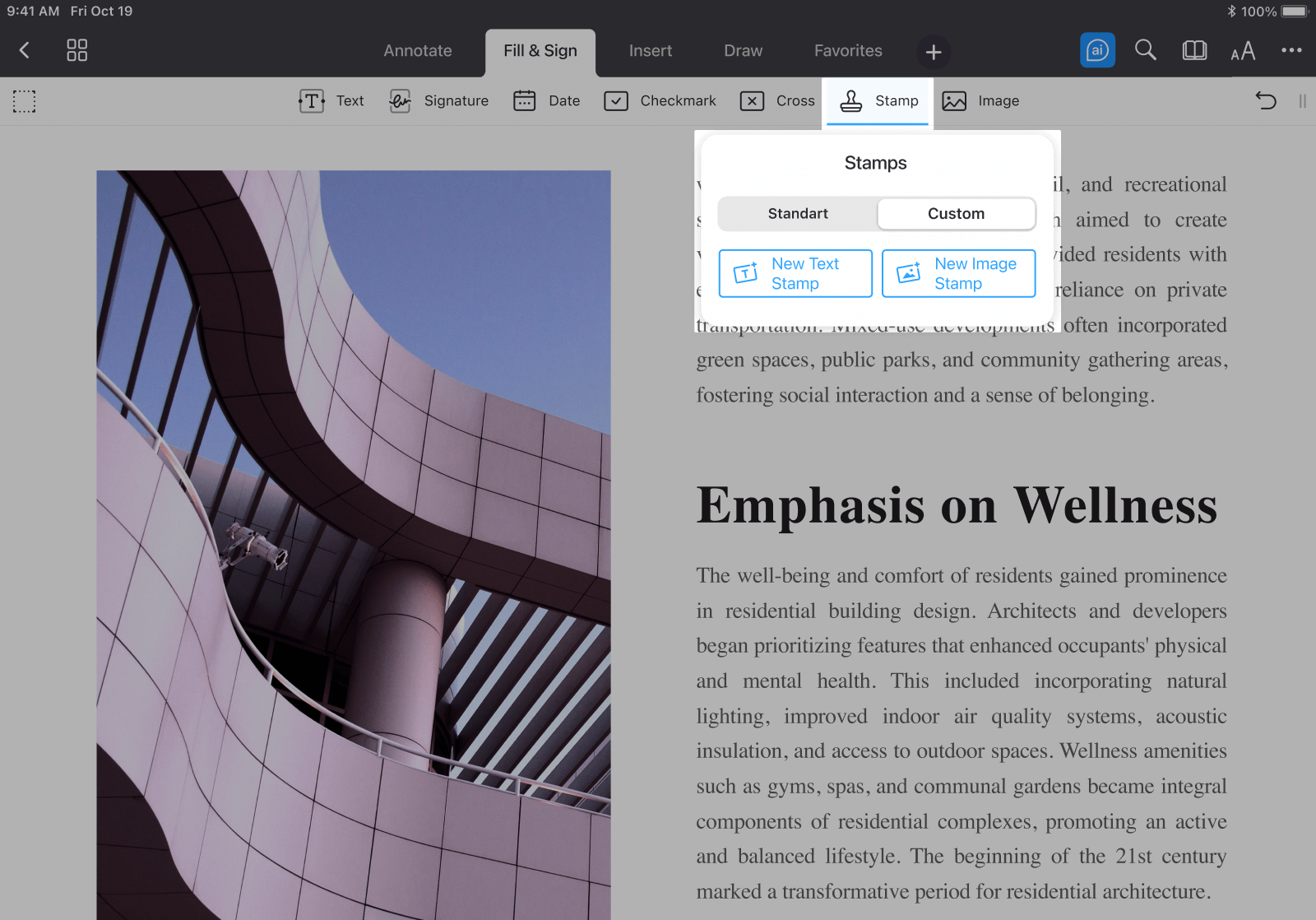
- To create a custom stamp, select either New Text Stamp or New Image Stamp to personalize your document further.
Best practices for adding checkmarks
When adding checkmarks to your PDFs, take care to position them thoughtfully, ensuring they do not obscure important text or graphics. For stamps, maintain consistency in color, size, and placement to create a polished and professional appearance. In longer documents, use checkmarks strategically to track progress and highlight completed tasks or sections, keeping your workflow organized. Remember to save your changes frequently to preserve your edits and safeguard your work.
Conclusion
Adding checkmarks to your PDFs is effortless with PDF Expert, whether you're tracking tasks, highlighting completed sections, or annotating forms. The intuitive and versatile tools make it simple to transform your documents into interactive, well-organized, and easily reviewable assets.
