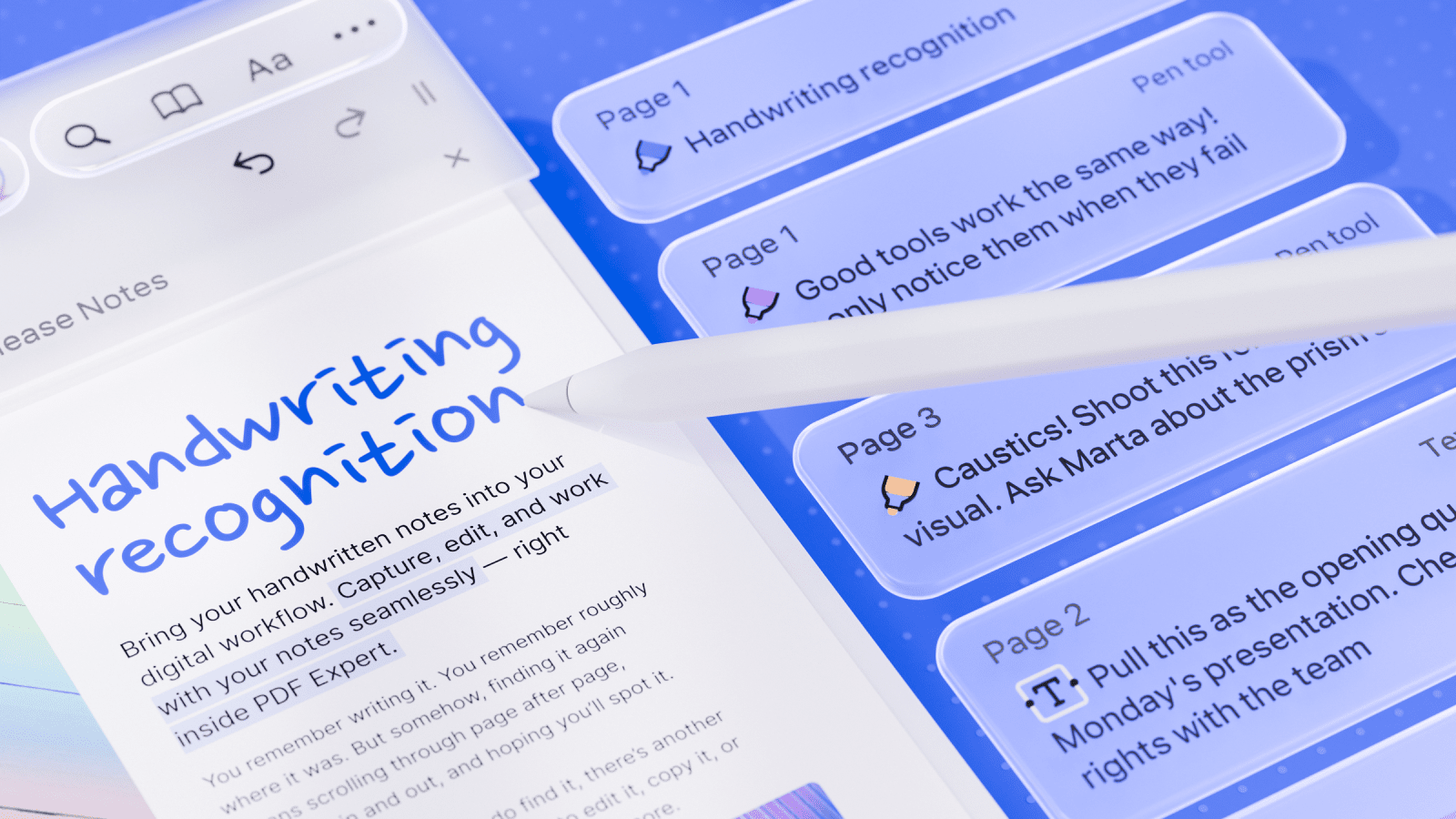
Great news for anyone who writes notes on their iPad: with the upcoming iOS 27 and iPadOS 27 update, PDF Expert is introducing Handwriting Recognition. Now, the notes you write by hand with Apple Pencil or your finger become just as searchable as typed text, without changing how your handwriting looks. Alongside it, PDF Expert is adopting Apple's new Liquid Glass design across more of the app, and adding simple undo/redo buttons so correcting a mis-tap is effortless. Together, these updates make writing, reviewing, and navigating your PDFs feel more natural than ever.
PDF Expert now has handwriting recognition
This update was built for people who rely on handwriting notes on iPads and iPhones. Apple Pencil owners reach for the pen often — and now, anything written by hand becomes searchable.
Think about a student taking lecture notes by hand across a semester's worth of PDFs, then searching for one specific term the night before an exam instead of flipping through every page. Or a professional who inherited a folder of handwritten project documents: meeting notes, field reports, old case files, and can now search through someone else's handwriting just as easily as their own. Because recognition works across the whole app library and supports 29 languages, you can search handwritten notes across multiple documents at once, no matter who or where originally wrote them.
How to use Handwriting Recognition in PDF Expert
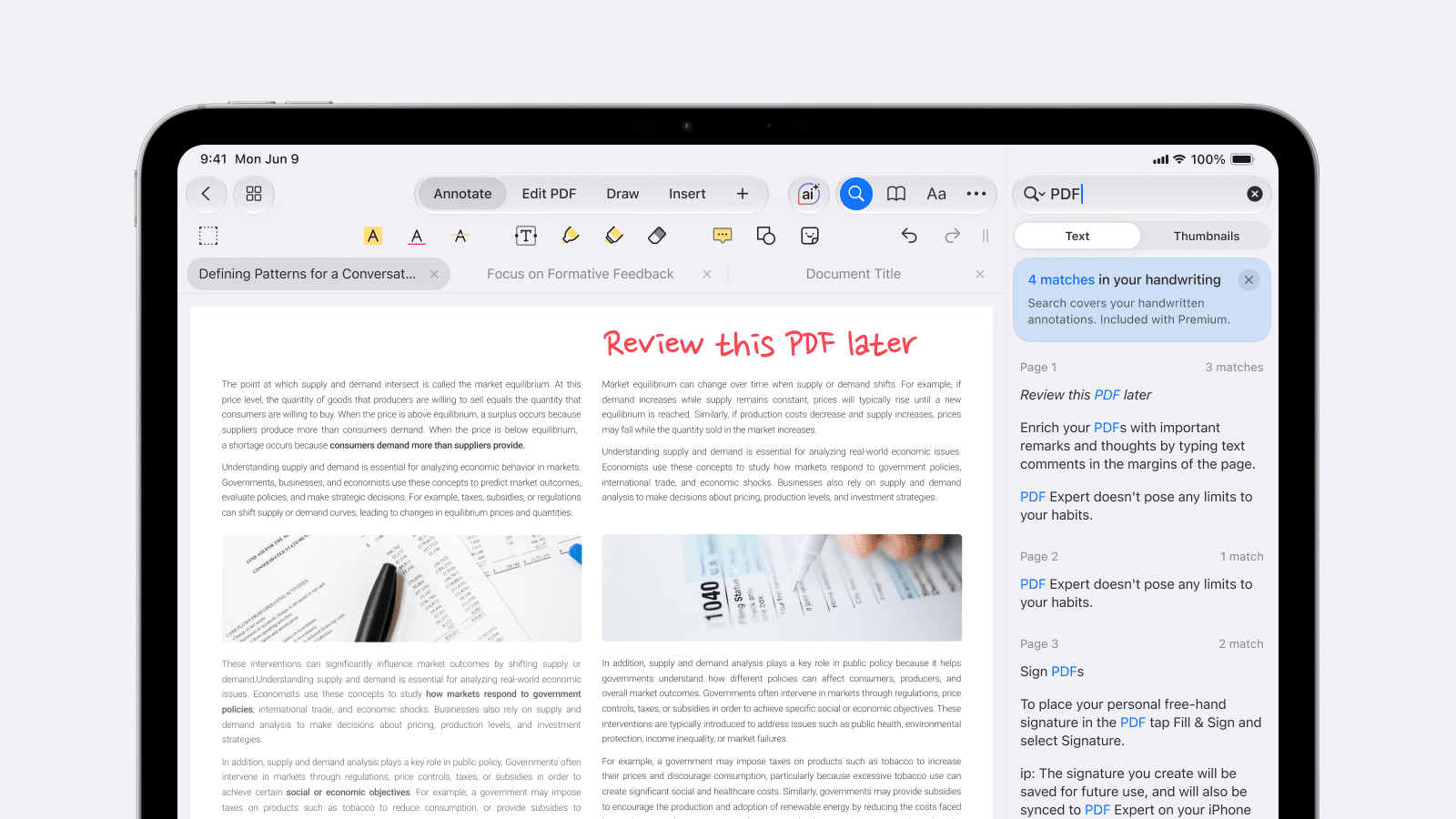
Getting started takes no extra setup. Update to the latest version of PDF Expert once iOS 27 is installed, then:
- Pick up the Pen or Marker tool from the annotation toolbar and write on your PDF as you normally would, with Apple Pencil or your finger.
- Search for it later. Use PDF Expert's search to find handwritten notes anywhere in the document, or across your entire library — even notes that were written before this update, or in a different app.
- Prefer typed text instead? Turn on the autoconversion toggle for the Pen or Marker tool, and your handwriting is converted into digital text as you go. The same applies to the Text and Note tools, where writing with Apple Pencil is automatically turned into typed text.
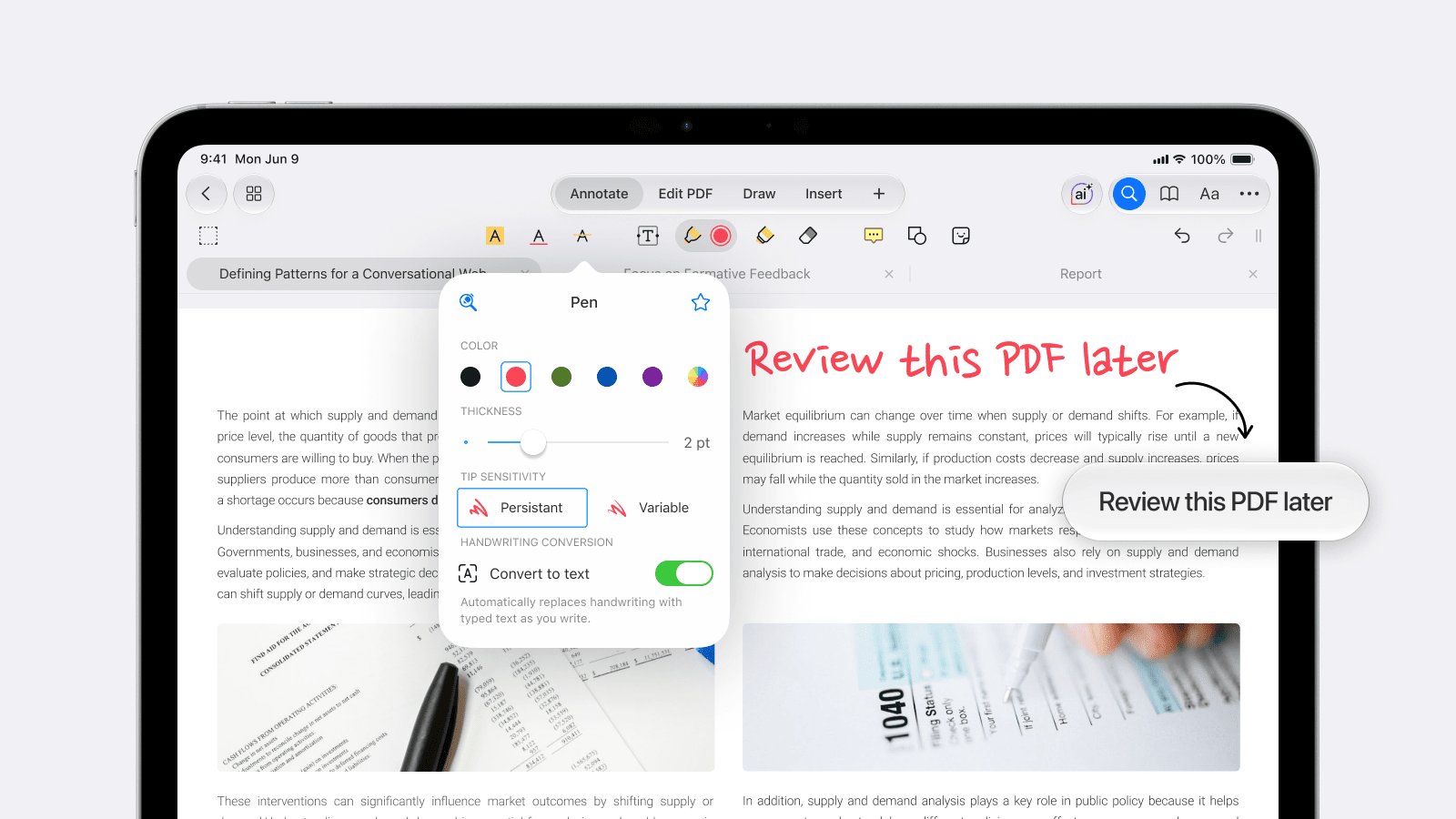
Handwriting Recognition is a Premium feature. Free users can still convert handwriting into digital text using the Text tool to get clean, typed notes.
A more immersive app with Liquid Glass for iOS 27 and iPadOS 27
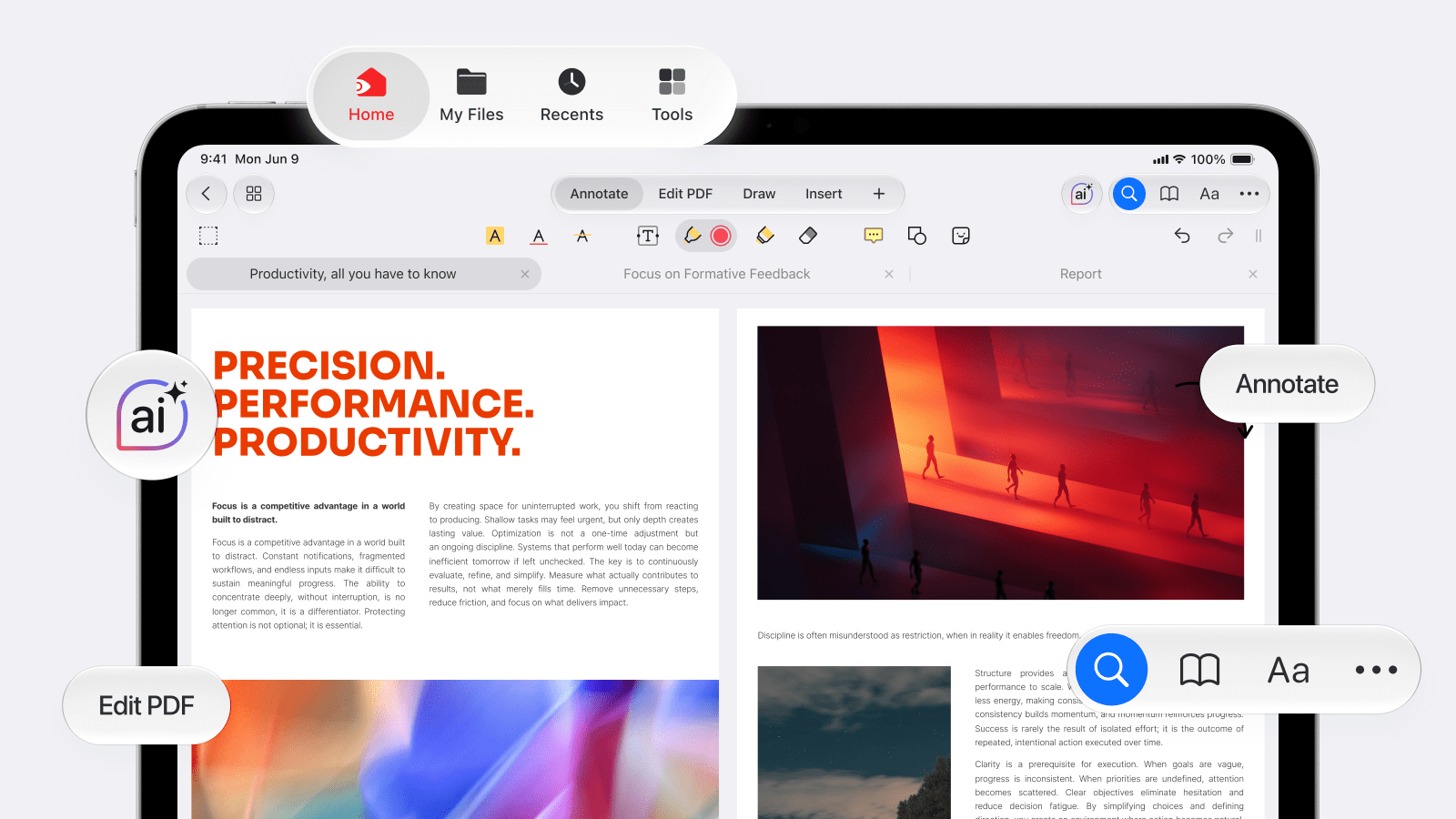
This update also extends PDF Expert's support for Liquid Glass, Apple's design language that bends and refracts light like real glass, to more of the app: the sidebar, the document viewer and its toolbar, and Presentation mode. The result is an interface that feels more responsive to touch and more visually consistent with the rest of your Apple experience, while staying out of the way of the document you're actually working on.
Try it for yourself
Whether you're a student who thinks faster with a pen in hand or a professional who's been sitting on years of handwritten notes, this update means you no longer have to choose between writing naturally and finding what you wrote. Update to iOS 27 and the latest version of PDF Expert on your iPhone or iPad to give Handwriting Recognition and the refreshed Liquid Glass design a try.
 Yevheniia Dychko