Choosing the right PDF editor? In addition to comparing major factors such as feature set and cost, you should also consider your specific workflows and whether the app is designed to support and enhance them.
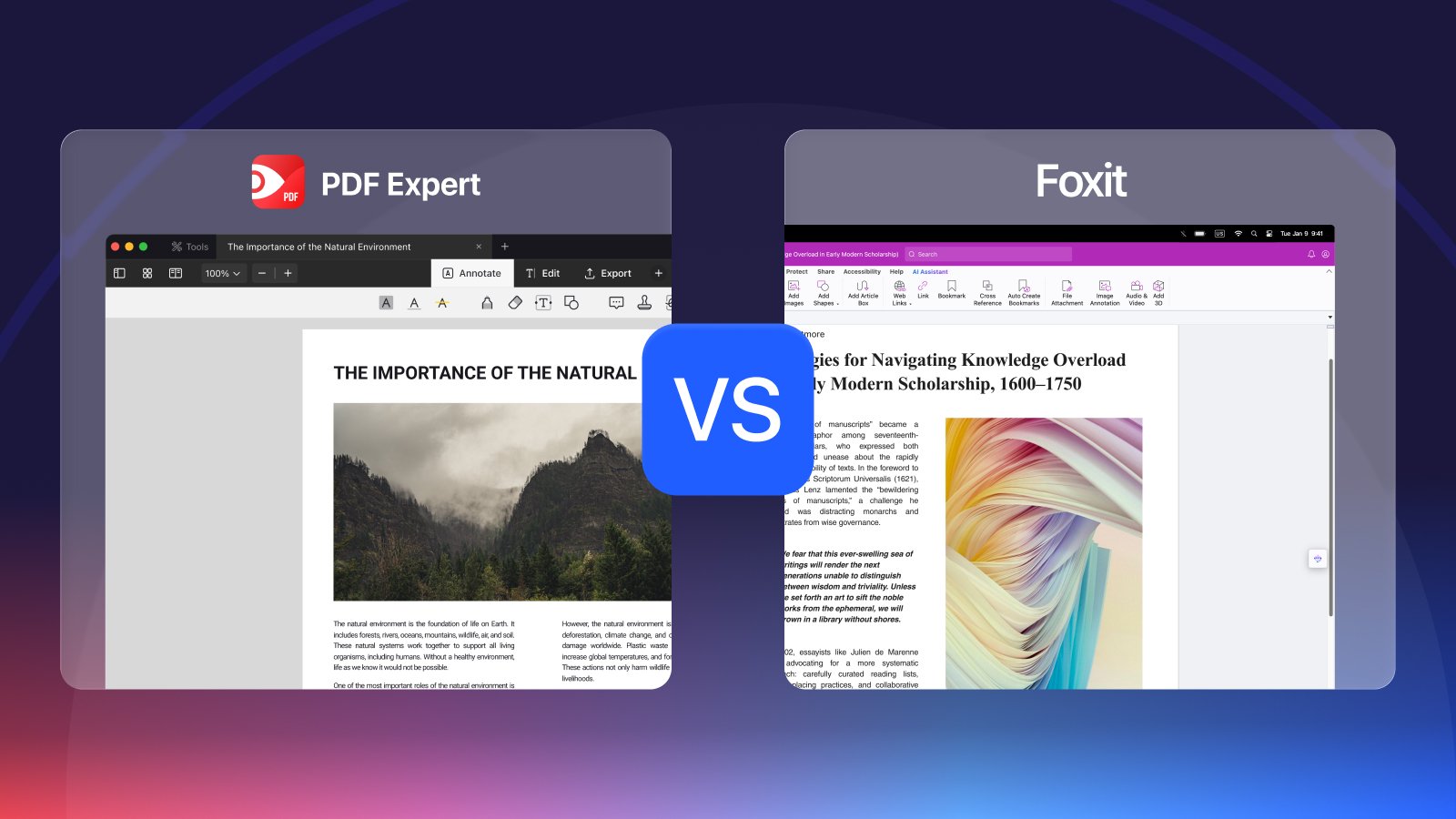
Two names often dominate the conversation: PDF Expert and Foxit PDF Editor. While both tools are top-tier Adobe Acrobat alternatives, they cater to different professional environments. This guide compares PDF Expert vs Foxit to help you identify which software aligns best with your productivity goals.
PDF Expert app vs Foxit PDF
Before going into details, let’s compare two apps’ major parameters like platforms, UI and prices.
|
Feature |
PDF Expert |
Foxit PDF Editor |
|
Best For |
Solo Mac users, professionals and small businesses |
Enterprise teams and power users |
|
Platforms |
macOS, iPadOS, iOS |
Windows, macOS, Mobile, Web |
|
User Interface |
Minimalist, modern, and Apple - native |
Microsoft Office-style "Ribbon" toolbar |
|
Speed |
Extremely fast loading and rendering |
Quick |
|
Advanced Tools |
OCR, basic editing, AI assistant, audio notes |
OCR with ‘Recognize Text’ option for unrecognised text; batch processing; forms |
|
Measurement tools |
Excellent for architects; measures distance, area, and perimeter, and provides callout, cloud, and stamp tools |
Distance, area and perimeter measuring |
|
AI Capabilities |
PDF Copilot: Summarizes, translates, and extracts key insights. |
AI Assistant: Smart Redact (PII detection), summaries, and chat. |
|
Trial |
7 days free trial |
14 days free trial for the desktop and 7 days for the mobile app |
|
Price |
Premium subscription is around $79.99/year or a lifetime license for roughly $139.99. |
$129.99/year for the standard edition, with "Pro" versions costing more. |
PDF Expert: high performance and ease of use
PDF Expert is the go-to tool for Apple devices, perfect for everyday editing and annotating. Let’s look into its features in more detail.
Designed for Apple
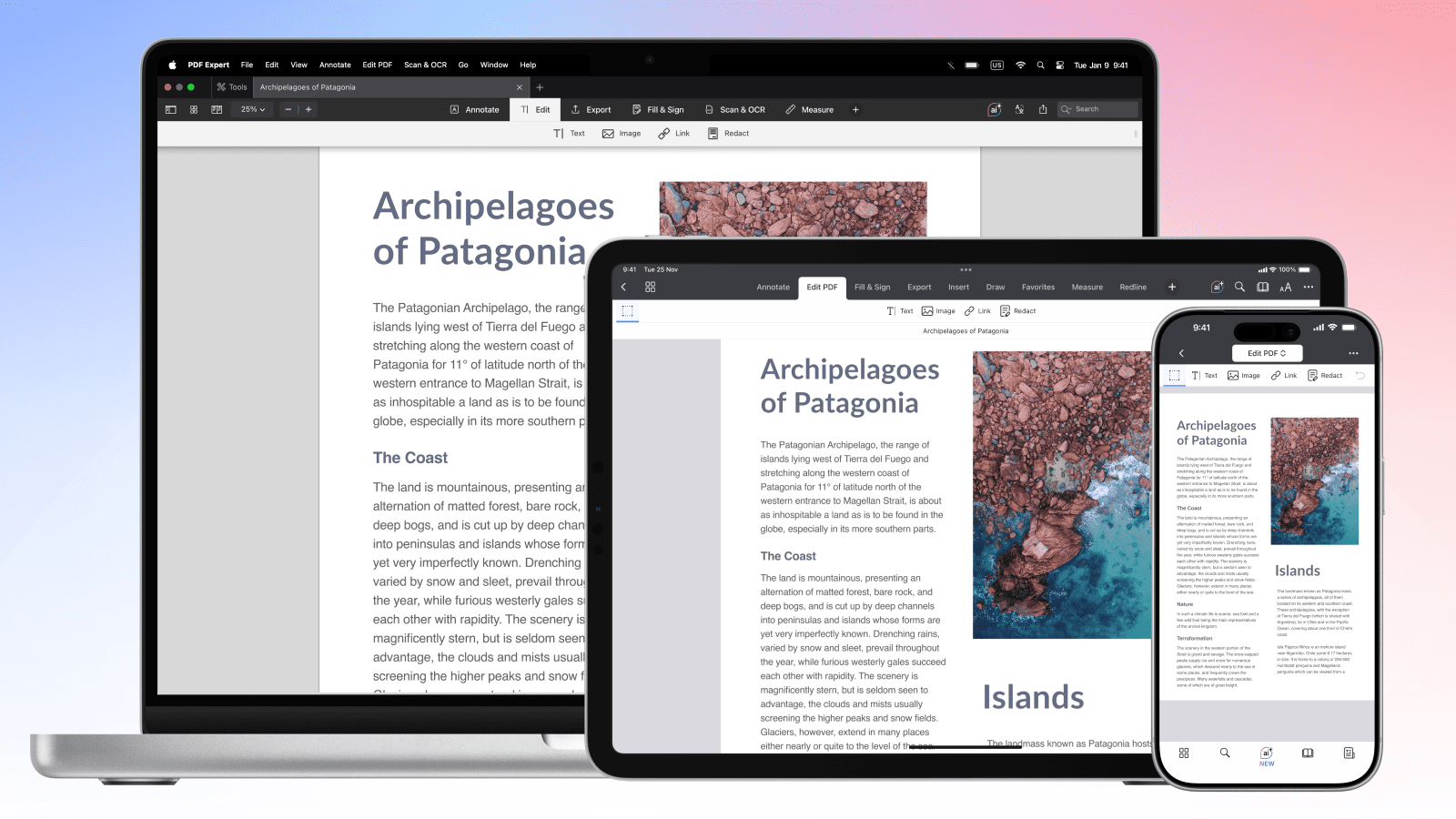
PDF Expert is known for its sleek, Mac-native design. It is often cited as the most "delightful" PDF app for Mac. If you live in the Apple ecosystem (Mac, iPad, iPhone), the UI will feel instantly familiar and intuitive. Tools are cleanly organized into tabs like 'Annotate,' 'Edit,' and 'Export,' keeping the main viewing area uncluttered.
Fast performance
PDF Expert is "lightning-fast" when rendering large documents and smooth scrolling without lag. It is designed for fast, seamless editing, annotating, and merging of documents.
Apple ecosystem sync
It offers seamless synchronisation through iCloud, so you can start a document on an iPad and finish it on your Mac.
Robust feature set
PDF Expert offers all the tools you might need for PDF editing and organizing: from scanning and OCR, to merging pages, converting documents, redacting sensitive information and adding audio notes. Users praise the app for desktop-level editing on mobile devices and for its useful Apple Pencil support for annotating on iPad.
AI integration
Includes PDF Copilot that can summarize, translate, and explain documents directly within the app, which can speed up document workflows.
How it feels: Clean, fast, and simple. It excels at making advanced features feel accessible to even beginners.
Best for: Professionals who prioritize a minimal, high-performance experience on macOS and iOS.
Foxit PDF Editor: cross-platform option for big teams
Foxit offers a consistent experience across virtually all major platforms, which is crucial for large teams or those working in mixed OS environments. If you switch between Windows and Mac, Foxit provides a nearly identical experience on both. The app also offers advanced redaction tools.
Users can drag and drop tools to build their own toolbars, making it highly adaptable for specialized workflows. Foxit also offers efficient batch processing, which helps handle high volumes of documents simultaneously.
How it feels: Reliable, secure, and highly customizable.
Best for: Users who switch between platforms and need to process large amount of documents at once, as well as those who create forms from scratch.
Which is better: PDF Expert or Foxit?
Your choice of app depends entirely on whether you value speed and design (PDF Expert) or Windows presence and enterprise features (Foxit).
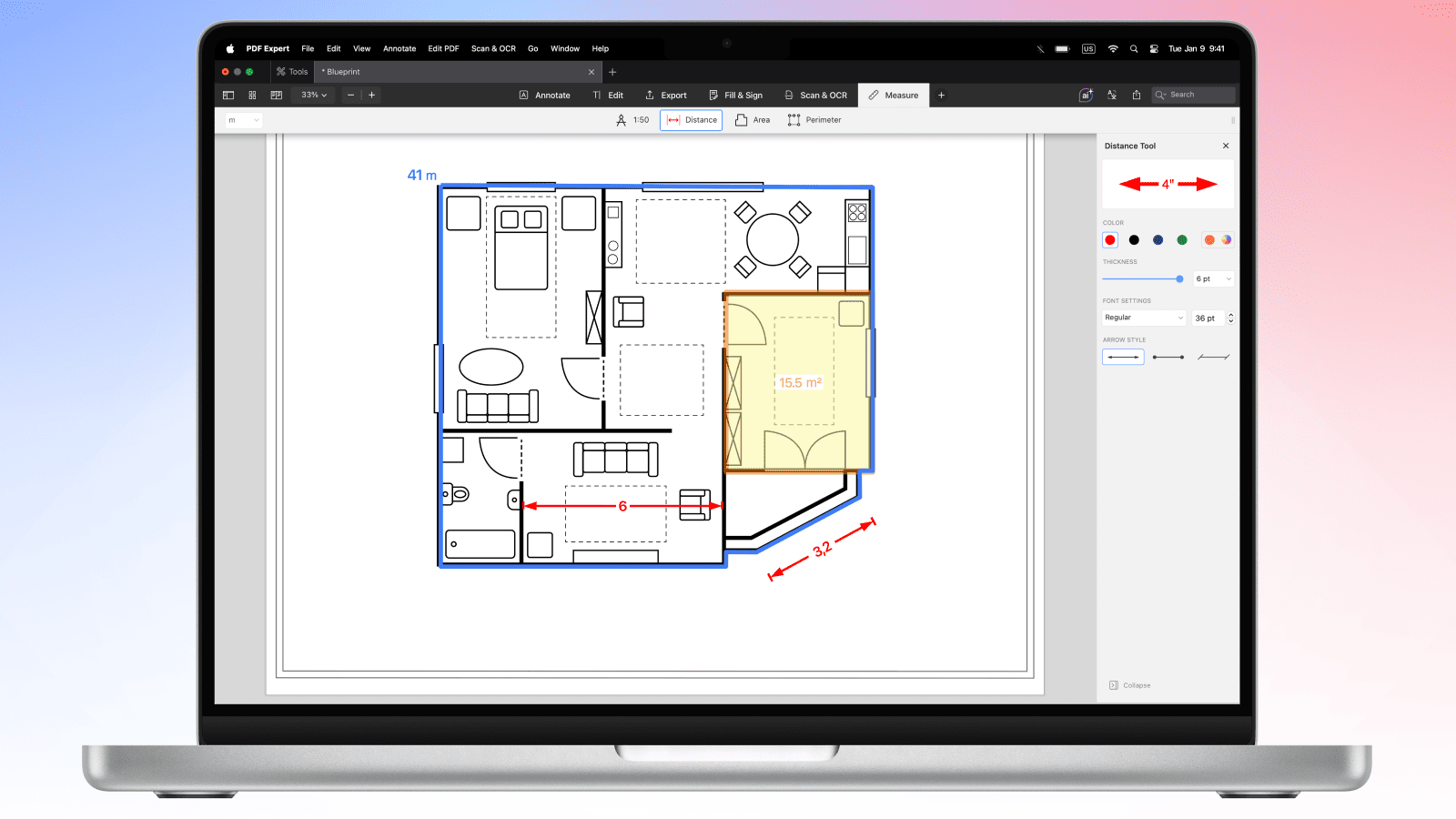
Go with PDF Expert if you are a Mac, iPhone, or iPad user who wants the fast, beautiful experience; if you want PDF editing to feel more like a Word document and breeze through everyday PDF tasks. Also, if you're an architect or engineer, PDF Expert’s scale and measurement tools (area, perimeter, distance) are very efficient and advanced.
Go with Foxit PDF Editor if you are a Windows user or a Business professional needing a "Pro" app. Foxit is powerful for heavy document reconstruction and the Smart Redaction tool, and supports linked text boxes and advanced paragraph reflow.
Is Foxit better than PDF Expert on iPad / iPhone?
On iPhone and iPad, PDF Expert is generally considered the go-to choice for the average user, because it is built specifically to feel like a native Apple app. PDF Expert offers desktop-class PDF editing and a delightful reading experience on iPhone and iPad.
What features does PDF Expert have that Foxit lacks?
Here are features that PDF Expert has and Foxit lacks:
- Image "Enhance”: a one-tap tool that removes shadows, fixes perspective distortions, and improves contrast on scanned docs.
- Audio Annotations: the ability to record a voice clip and pin it to a specific paragraph.
What are the pros and cons of Foxit vs PDF Expert?
Foxit PDF Editor is best for Windows users and corporate environments.
The main advantages include:
- Cross-Platform: Works on Windows, macOS, Android, iOS, and Web.
- Advanced Text Flow: Supports linked text boxes, allowing text to reflow across pages like a layout app.
- AI Smart Redact: Automatically identifies and masks sensitive data (SSNs, names, addresses) using AI.
- Enterprise Features: Includes Bates numbering, document sanitization, and deep SharePoint/iManage integration.
Disadvantages:
- Higher Cost: Generally more expensive, especially for the "Pro" or "Editor+" versions.
- Learning Curve: With so many buttons and tabs, finding the needed tools can take time.
PDF Expert is best for Apple enthusiasts, students, architects, and creative professionals.
Its main pros include:
- Polished, intuitive UX: Designed specifically for Apple hardware (Apple Silicon optimized).
- Effortless Reading: Features a "Reading Mode" that reflows text for eye comfort and includes a Sepia theme.
- Creative Extras: Unique "Audio Notes" and specialized measurement tools for blueprints and floor plans.
Cons:
- Apple Only: No version for Windows or Android, limiting its use for cross-platform teams.
- Basic Forms: Good at filling forms, but less powerful than Foxit for creating complex, scripted forms.
Which is more expensive: PDF Expert or Foxit?
In 2026, Foxit PDF Editor is more expensive than PDF Expert for both annual subscriptions and one-time purchases, and it requires additional purchases for some advanced tools. PDF Expert is a more affordable "prosumer" choice focused on the Apple ecosystem.
Please note: This article is accurate as of the date of publication. Please refer to the companies’ websites for the most up-to-date information on their features and pricing details.
 The Readdle Team